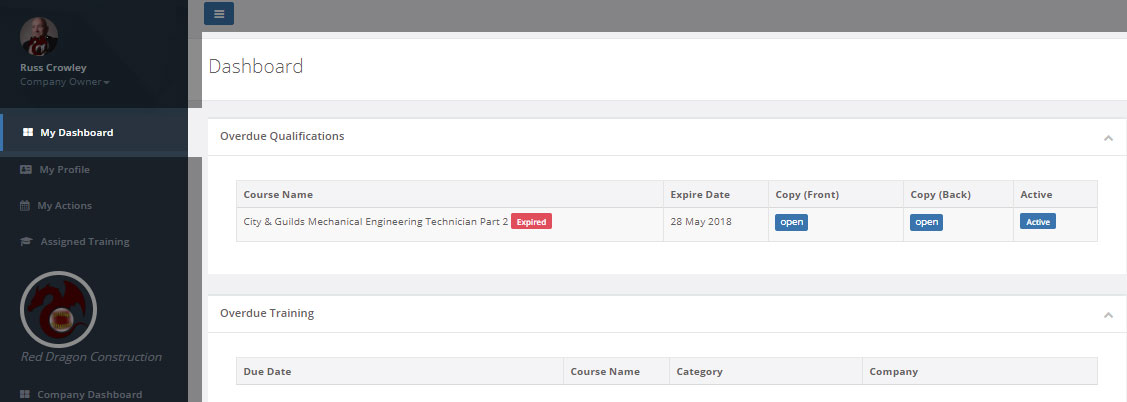
When you login to CASSA, by default, you’ll be shown the My Dashboard page view.
My dashboard is the start point and provides a quick overview of what’s going on with your profile and, as the image below shows, lists items like Overdue Qualifications and training and other important information.
You'll note that these tie-in with the expiry days and settings of your qualifications, licenses, etc., (once you’ve added them to your profile, of course).
This instant at-a-glance tracking feature is one of the many advantages of using CASSA.
CASSA makes you instantly aware of any overdue items and allows you to action and stay compliant without ever having to worry about accidentally missing one. Further details are provided in the respective sections of the help system.