

How to access the Marketplace
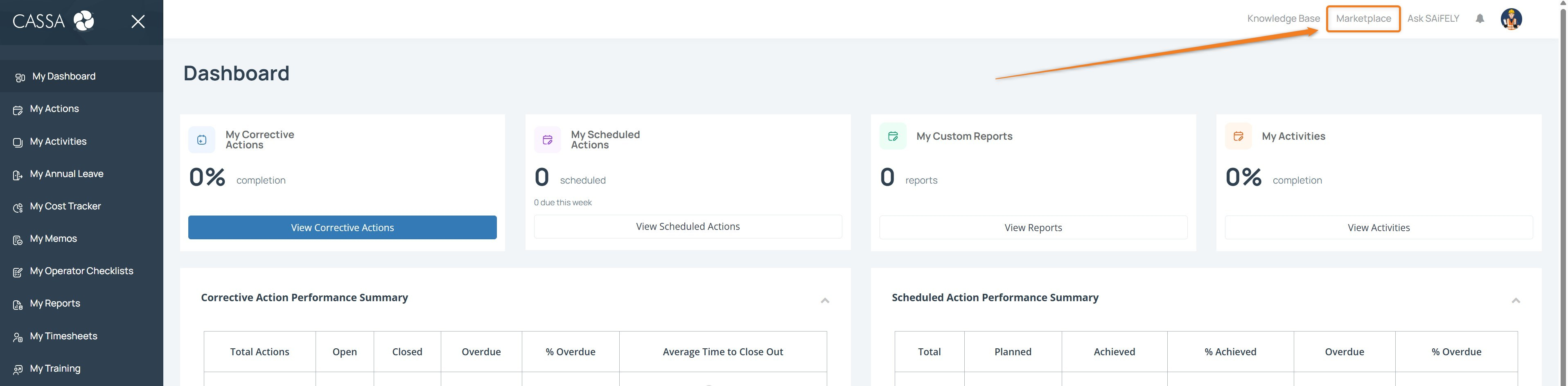
From the CASSA dashboard, click Marketplace in the top toolbar.
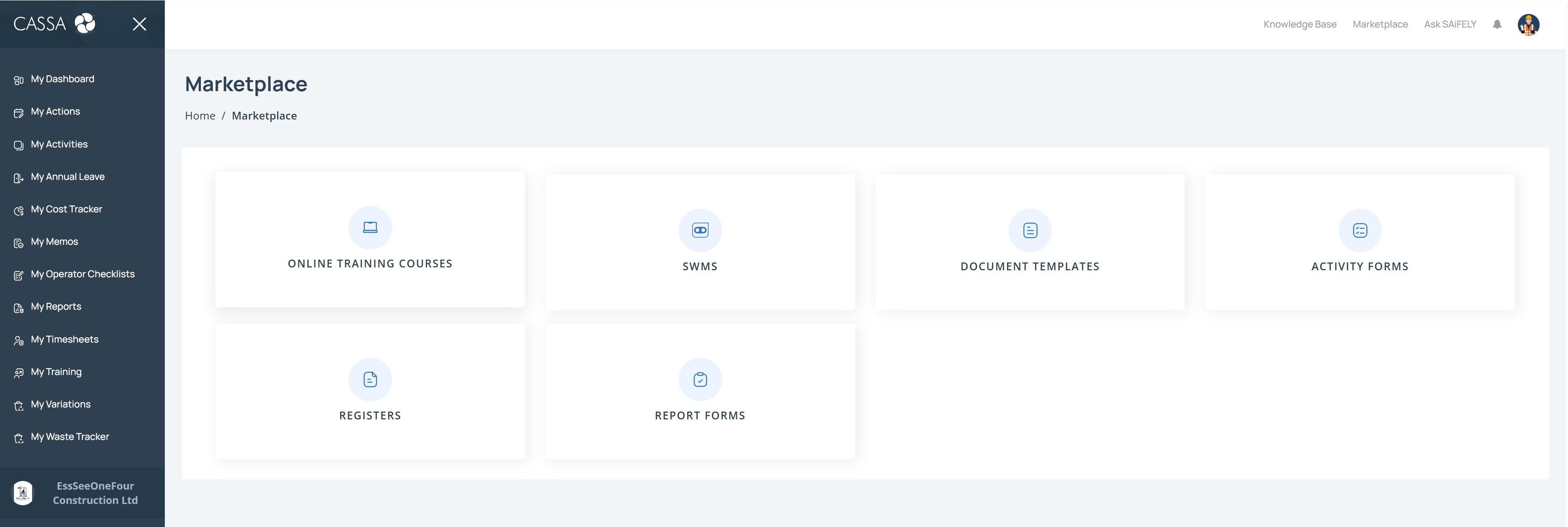
The Marketplace opens and displays the available product categories.
Select a category to browse the items available within it.
The Marketplace currently includes:
Online Training Courses
SWMS
Document Templates
Activity Forms
Registers
Report Forms
The products and resources available to you may vary depending on what has been made available through the Marketplace.