

We use an AI chatbot on all our sites and this is fully-integrated with our support desk.
To log a support ticket:
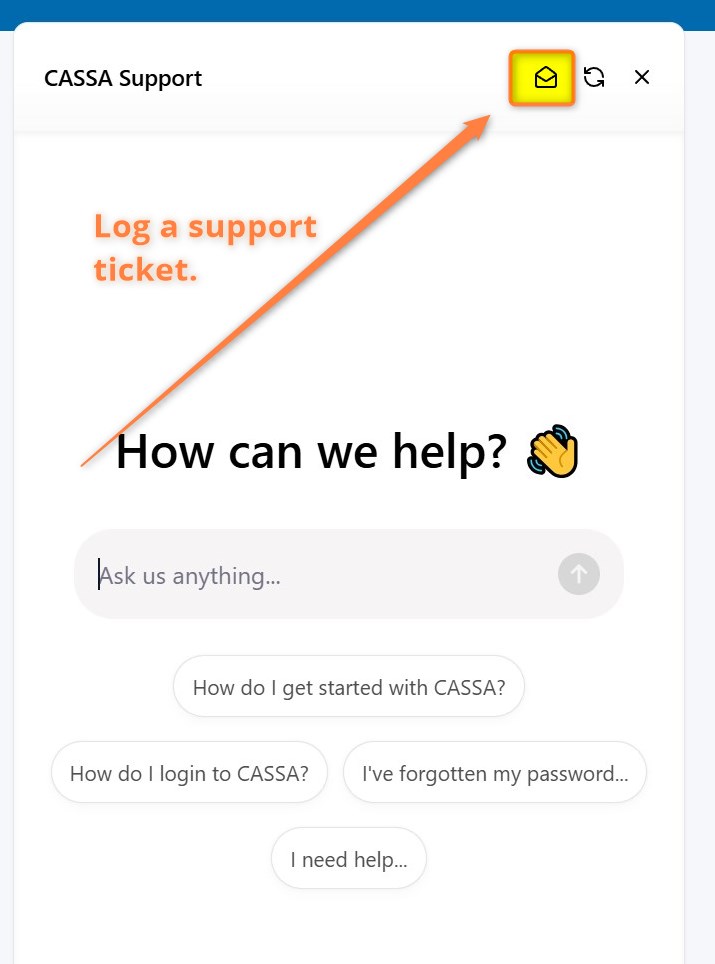
Click on the email icon in the chat:
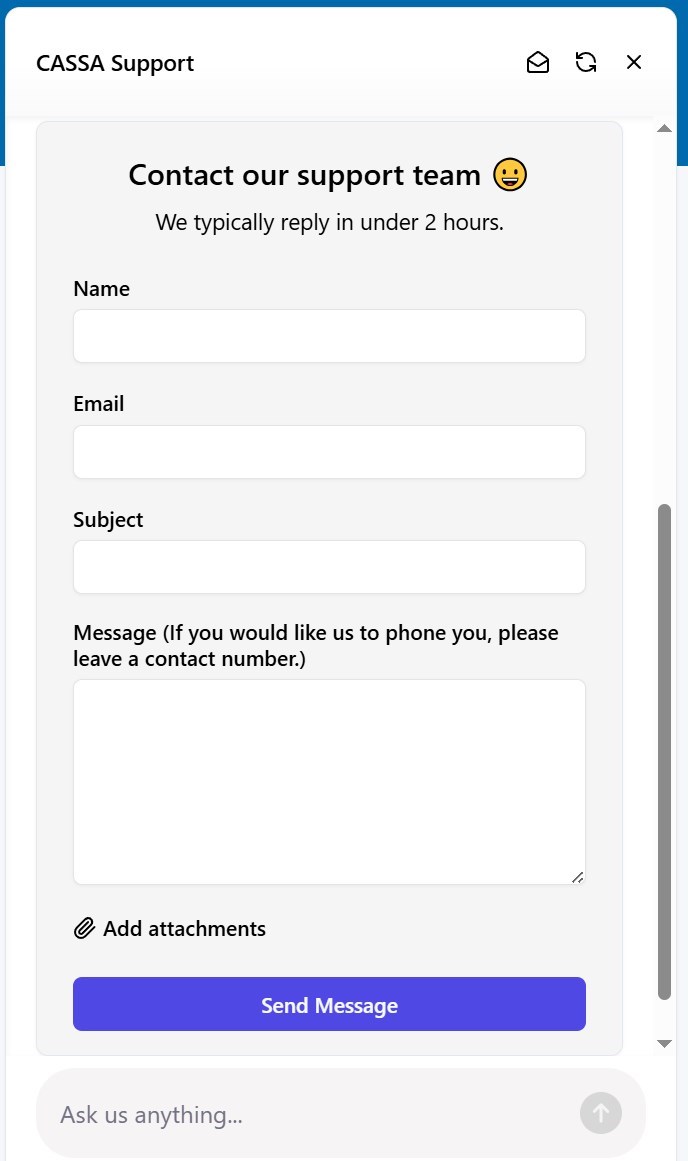
The support ticket form will display. Fill it out, click on Send Message, and the ticket will be logged.
Note: Our support system logs tickets in the order they are submitted. As such, we'll get to each in turn.