

Depending on your role, when you first sign-up for, or get an invite to, CASSA, you'll be taken to either the registration page or will be logged in automatically. On subsequent visits, you'll need login.
In your web browser, navigate to cassa.io. (We recommend bookmarking the login page.)

Locate and click on the "Login" link to go to the login page:
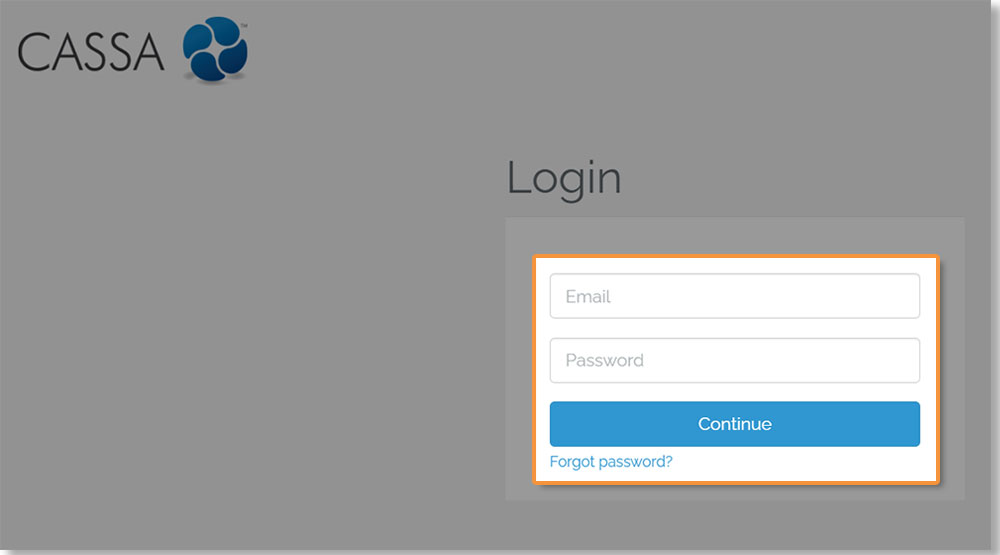
Enter your email address and password, and then click the "Continue" button to continue and login to CASSA:
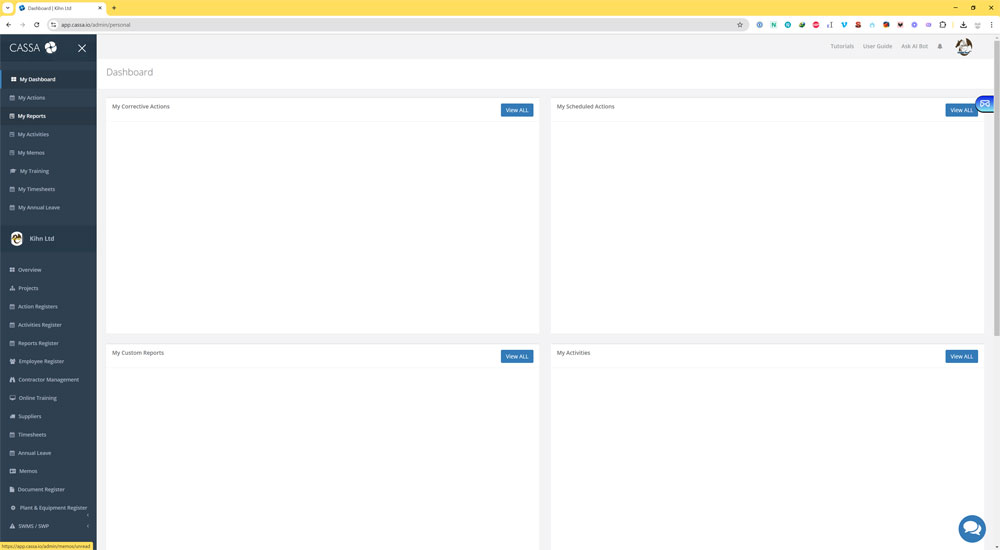
As shown in the above image, you will be taken to your My Dashboard, which provides an overview of the entire CASSA system.