


Access the Plant Tracking Register
To access the Plant Tracking Register, in the main navigation, click first on Asset Management and then on Plant & Machinery and the register dashboard will show:
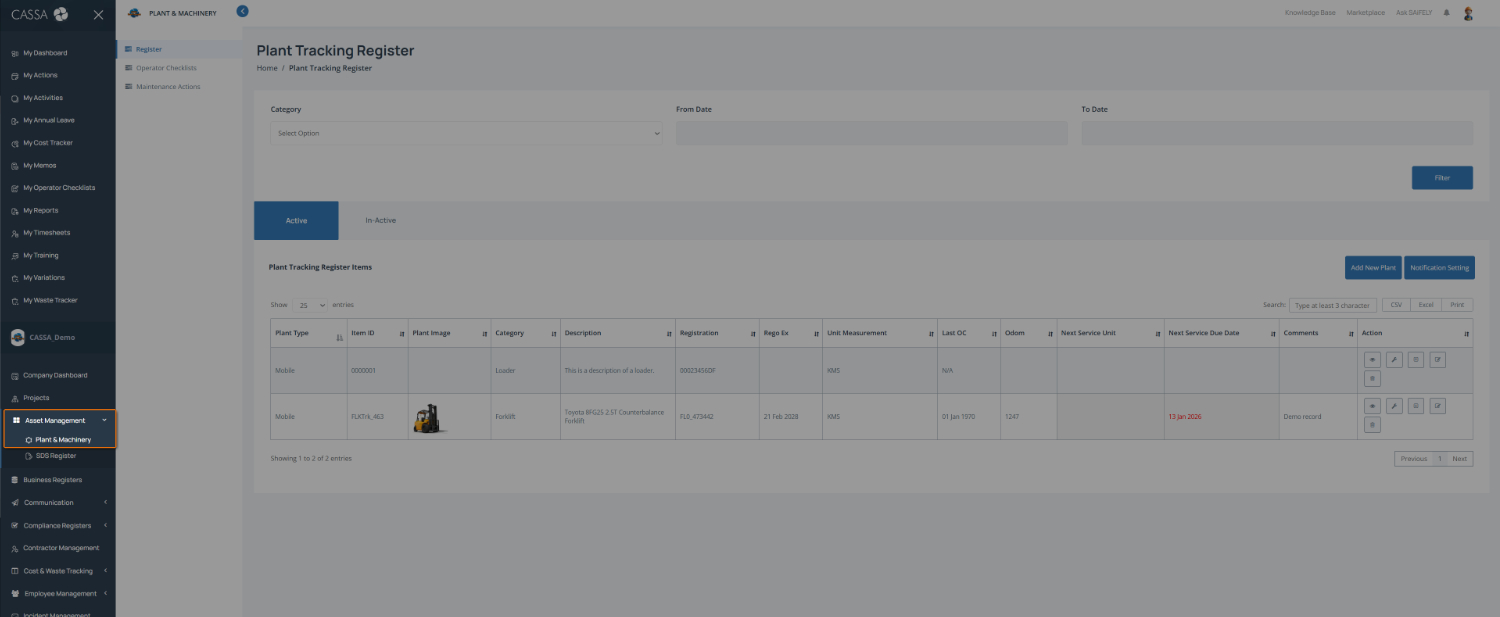
The Plant & Machinery Register
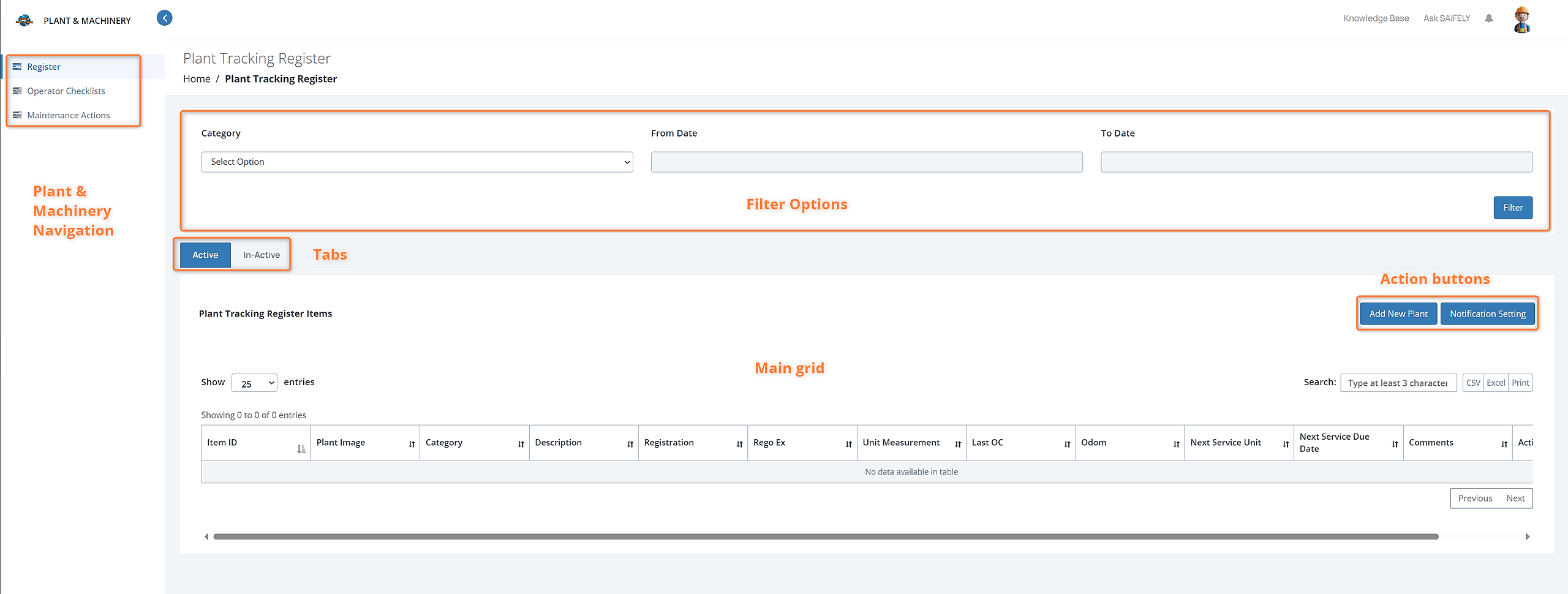
Dashboard
As you can see in the dashboard, we have:
The Plant & Machinery navigation including Register, Operator Checklists, and Maintenance Actions
Filter options, including Category and To and From dates
Active and Inactive tabs
Add New Plant and Notification Settings action buttons.
Main grid display listing all appropriate register items.
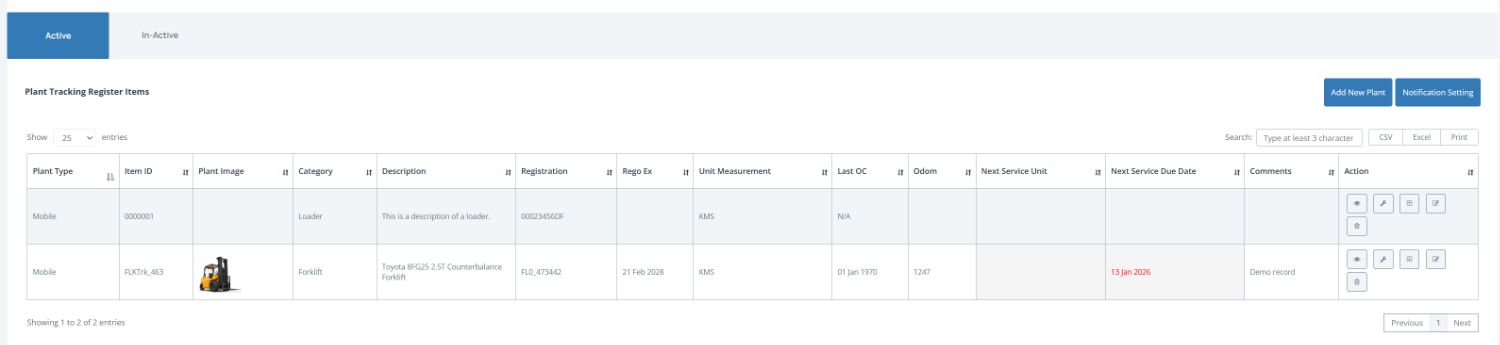
Register Grid
The main grid display will show a list of all your registered plant and machinery items and added details, including, as you can see below: Item ID, Plant Image, Category, Description, Registration, Rego Ex, Unit Measurement, Last OC, Odom, Next Service Unit, Next Service Due Date, Comments, and Action.
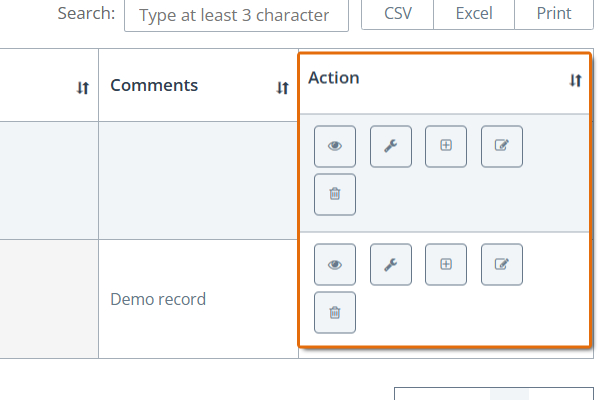
In the highlighted Action column, you can:
View item
Add log service
Add Action
Edit Item
Delete item
These should be self explanatory, but we do cover these in the Manage Plant Items article. You can also refer to the related articles, below.