


When you click on the My Dashboard menu item, you'll be taken through to your one-stop at-a-glance overview of items related to your role within CASSA.
As you can see from the image below, there are 8 main areas:
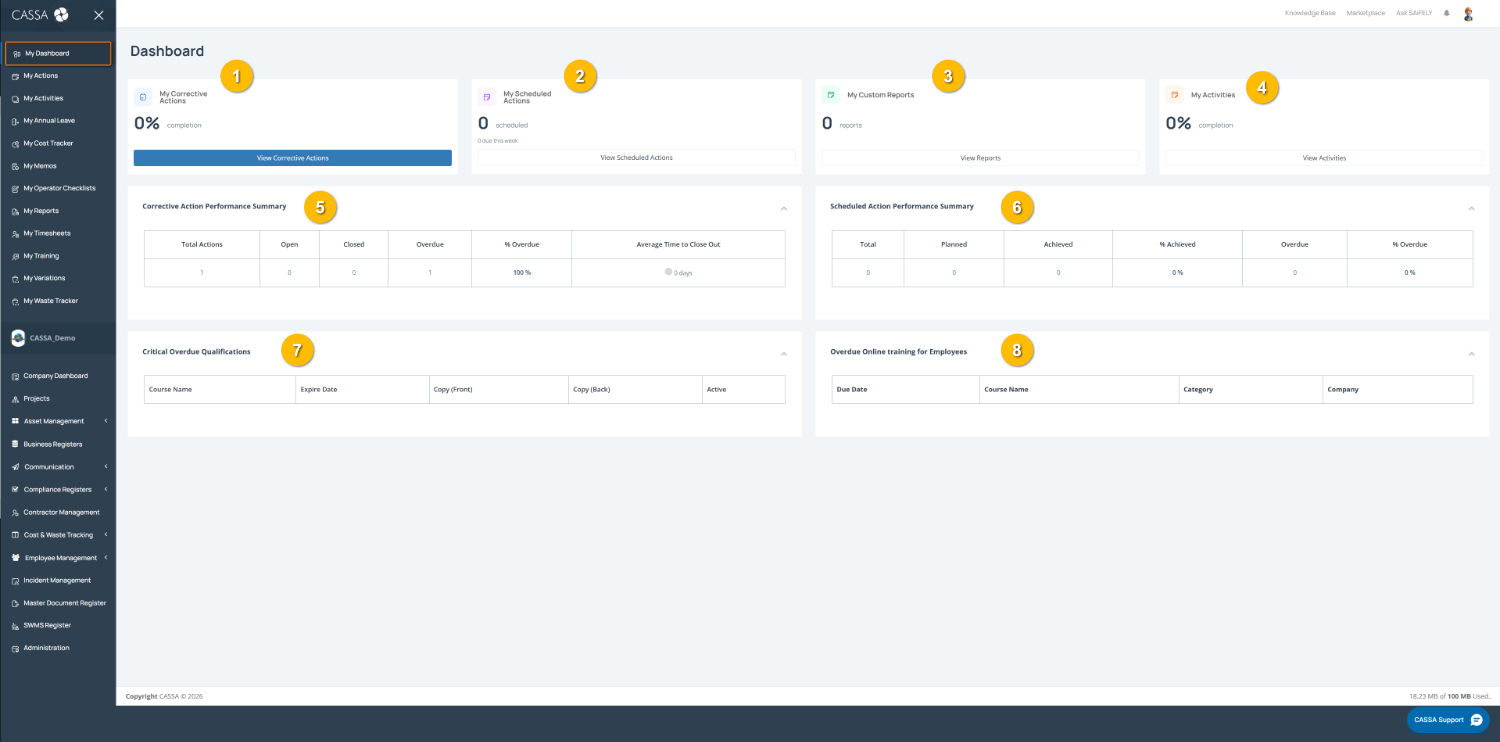
The main areas are:
My Corrective Actions
My Scheduled Actions
My Custom Reports
My Activities
Corrective Action Performance Summary
Scheduled Action Performance Summary
Critical Overdue Qualifications
Overdue Online Training for Employees
Each provides an insight into the current status of your corrective or scheduled actions, reports, activities, etc.
To navigate to the particular section within CASSA, either click on the relevant View All button, the menu item in the main navigation (highlighted in the above image), or, in the case of overdue items, on the item itself.