

Your CASSA account comes with free storage but it is limited.
As such, we recommend resizing and optimising your images before uploading them to your profile.
If you already know how to do this, great; if not, then we recommend Canva.
Canva
Canva is free, easy to use, and works on any browser-based device.
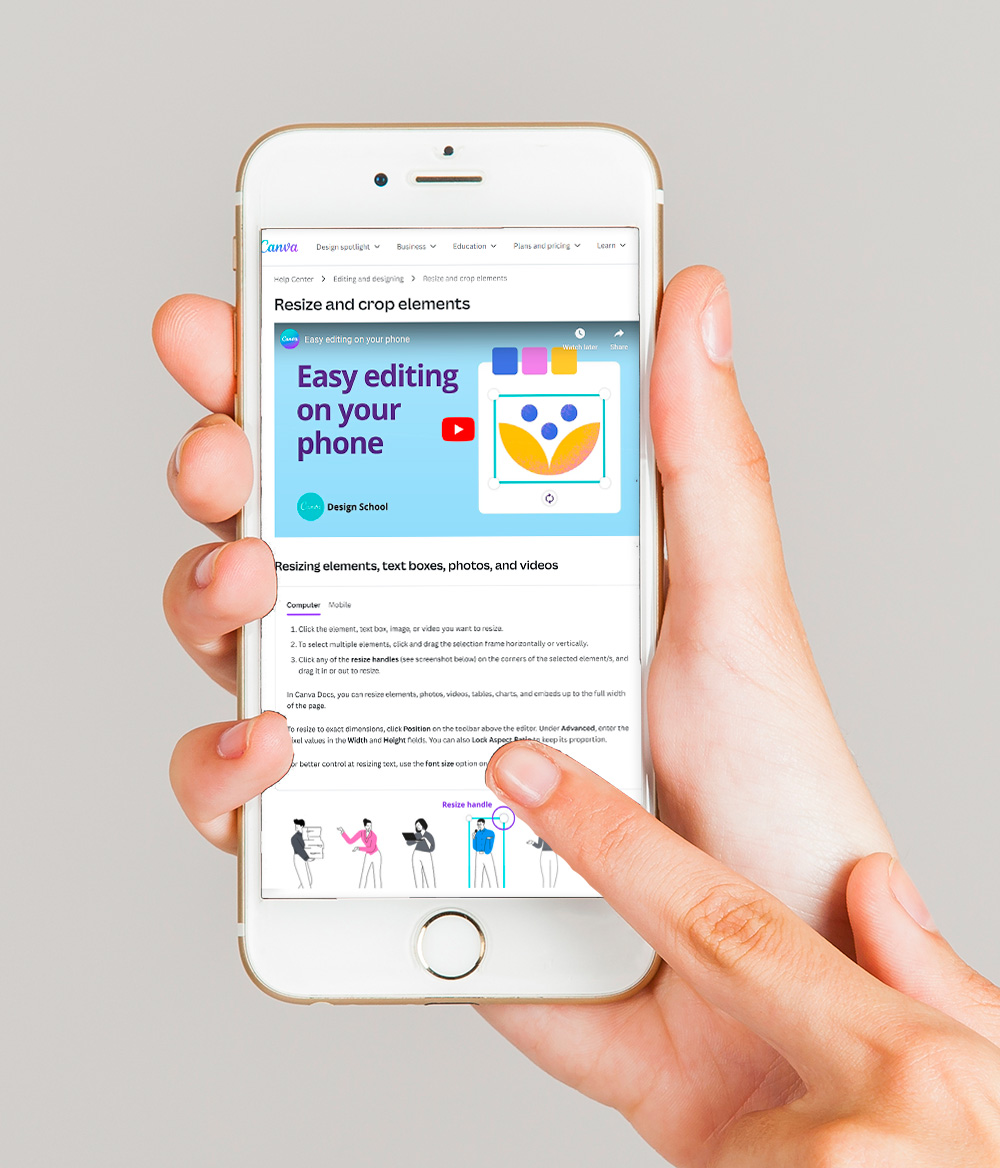
Here's their current article on how to resize images:
Canva 'Resize and crop elements article'
Tiny PNG
If you want to go the extra step in saving space, then Tiny PNG will further compress your images.
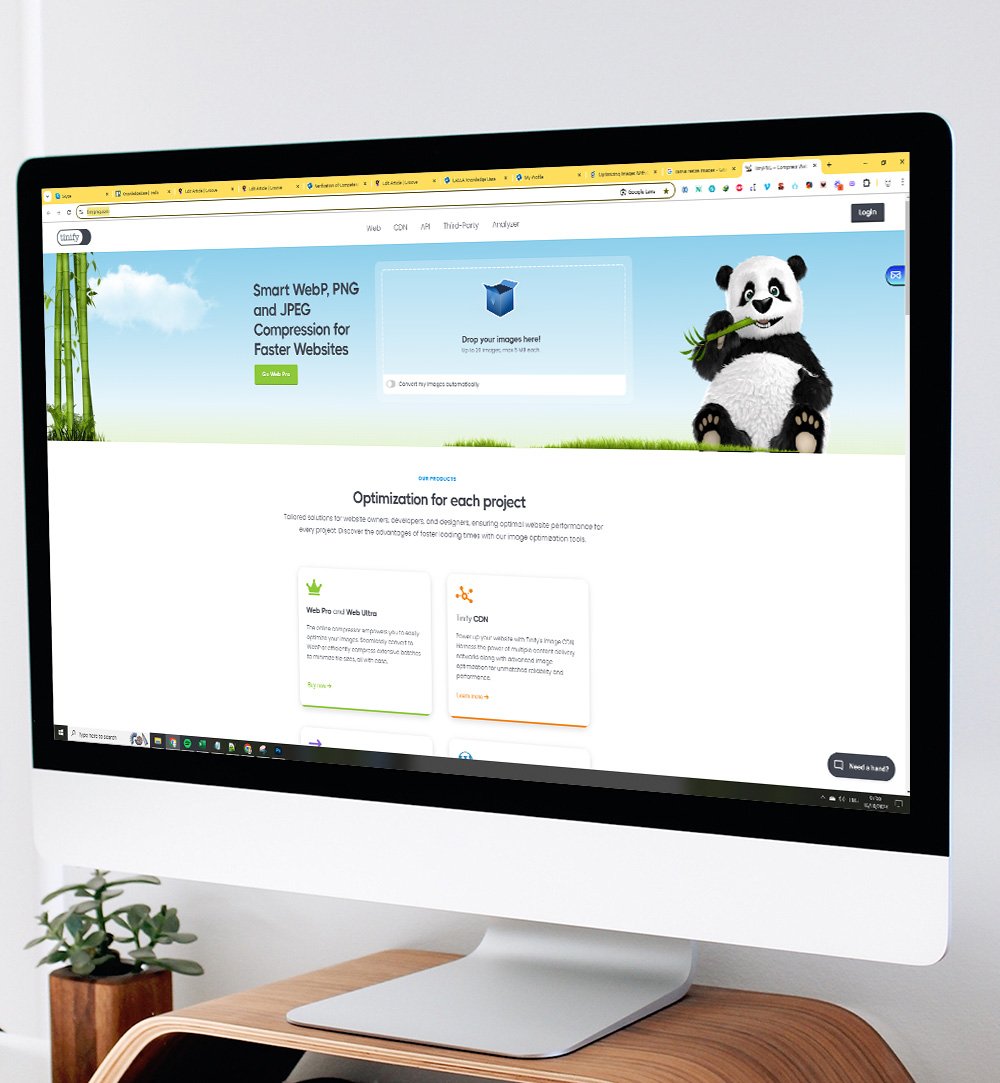
Just go to their website at www.tinypng.com and upload your image(s) and they'll compress them automagically.
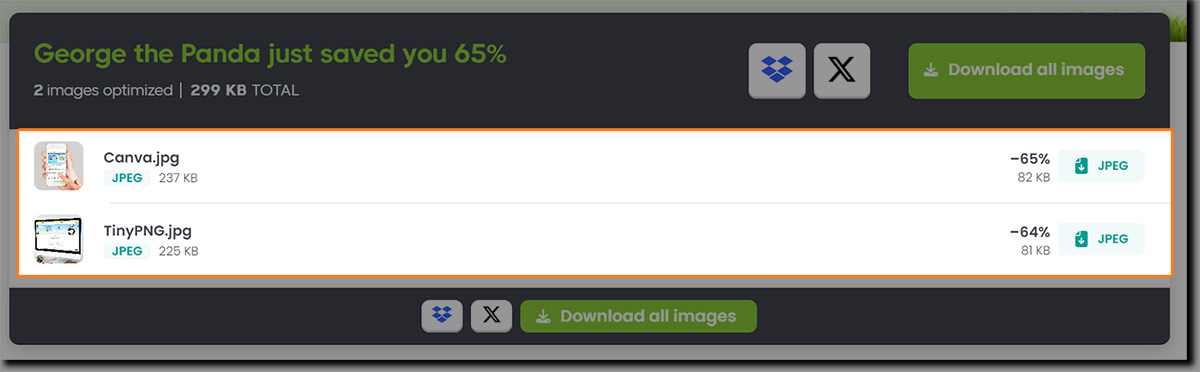
George the Panda saved us over 60% with the above 2 images!
That's it.
Now you can upload the images to your CASSA profile.