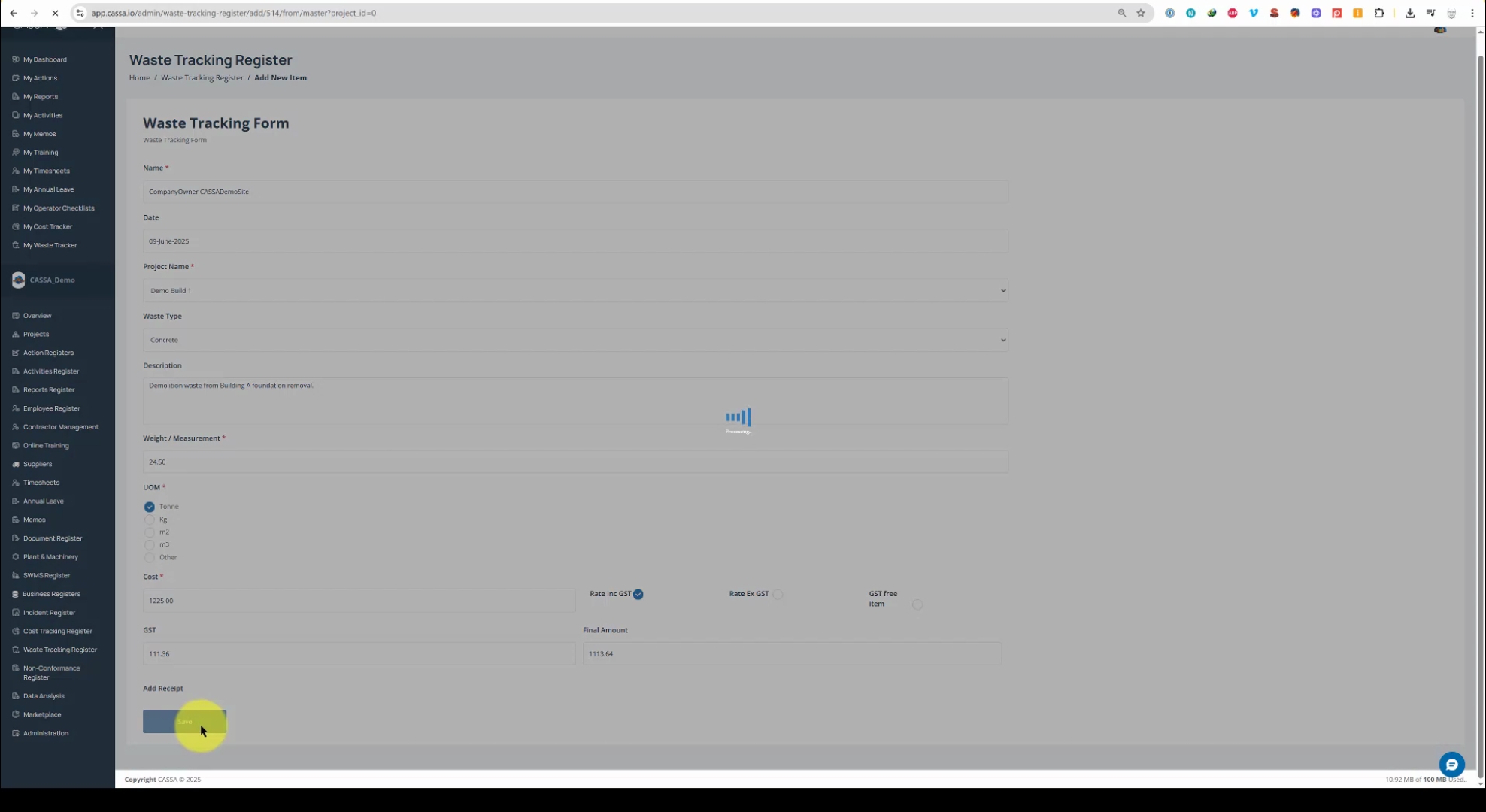
This video shows you how to add a register item:
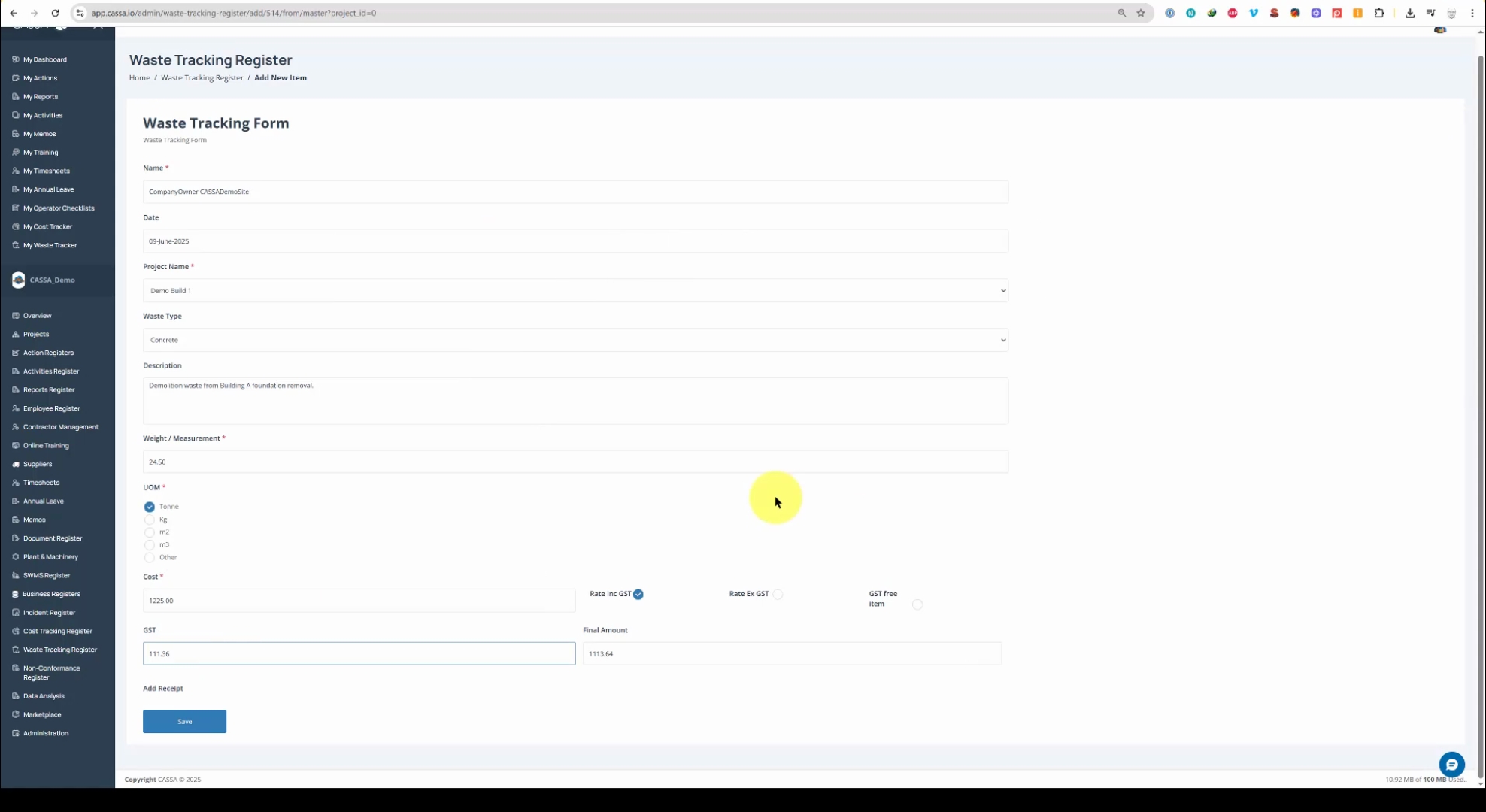
Click on the Add New action button and the waste tracking form will open:
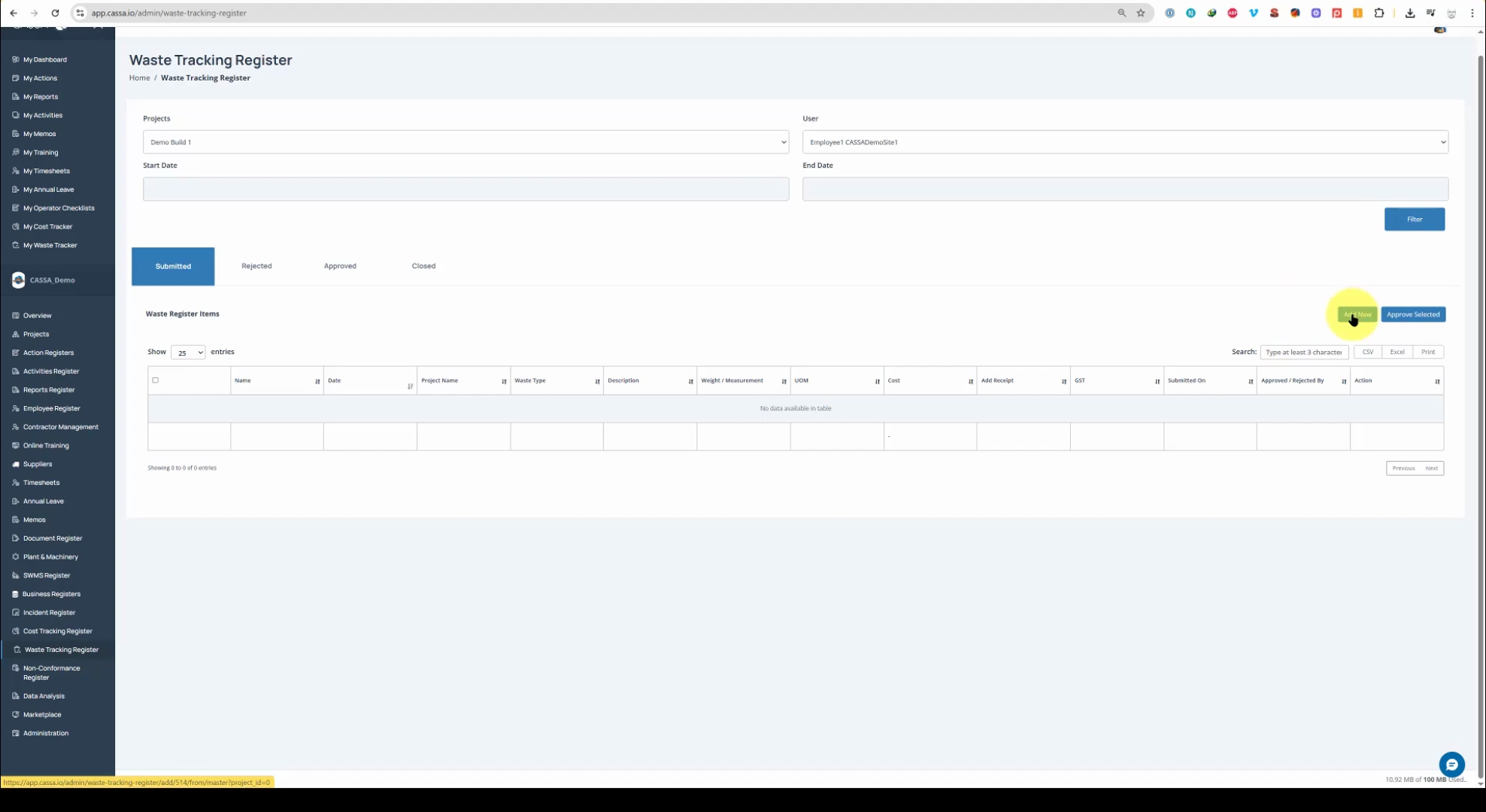
At the top of the form, you will find the Name field.
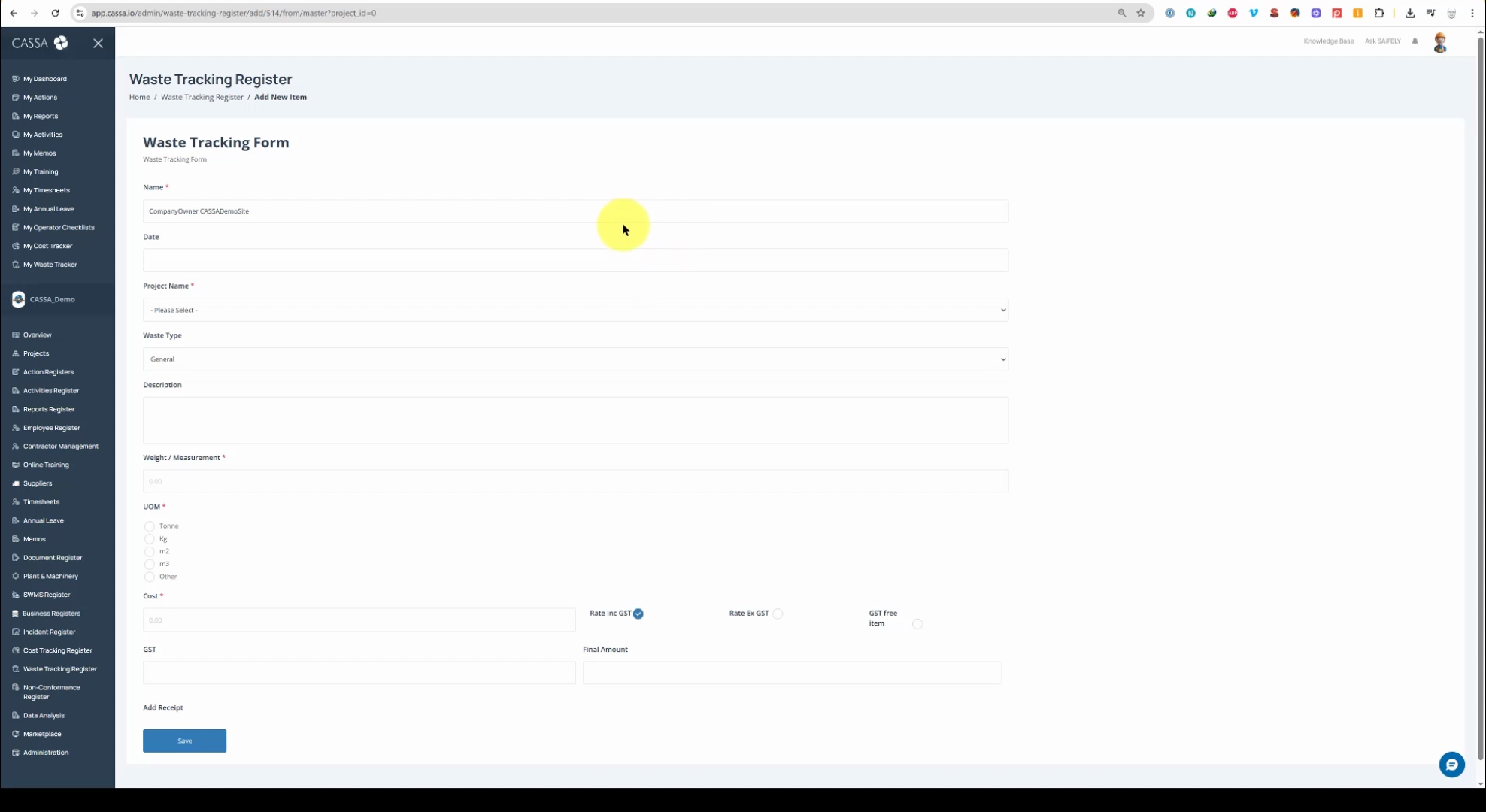
Fill in the requisite information, including today's date.
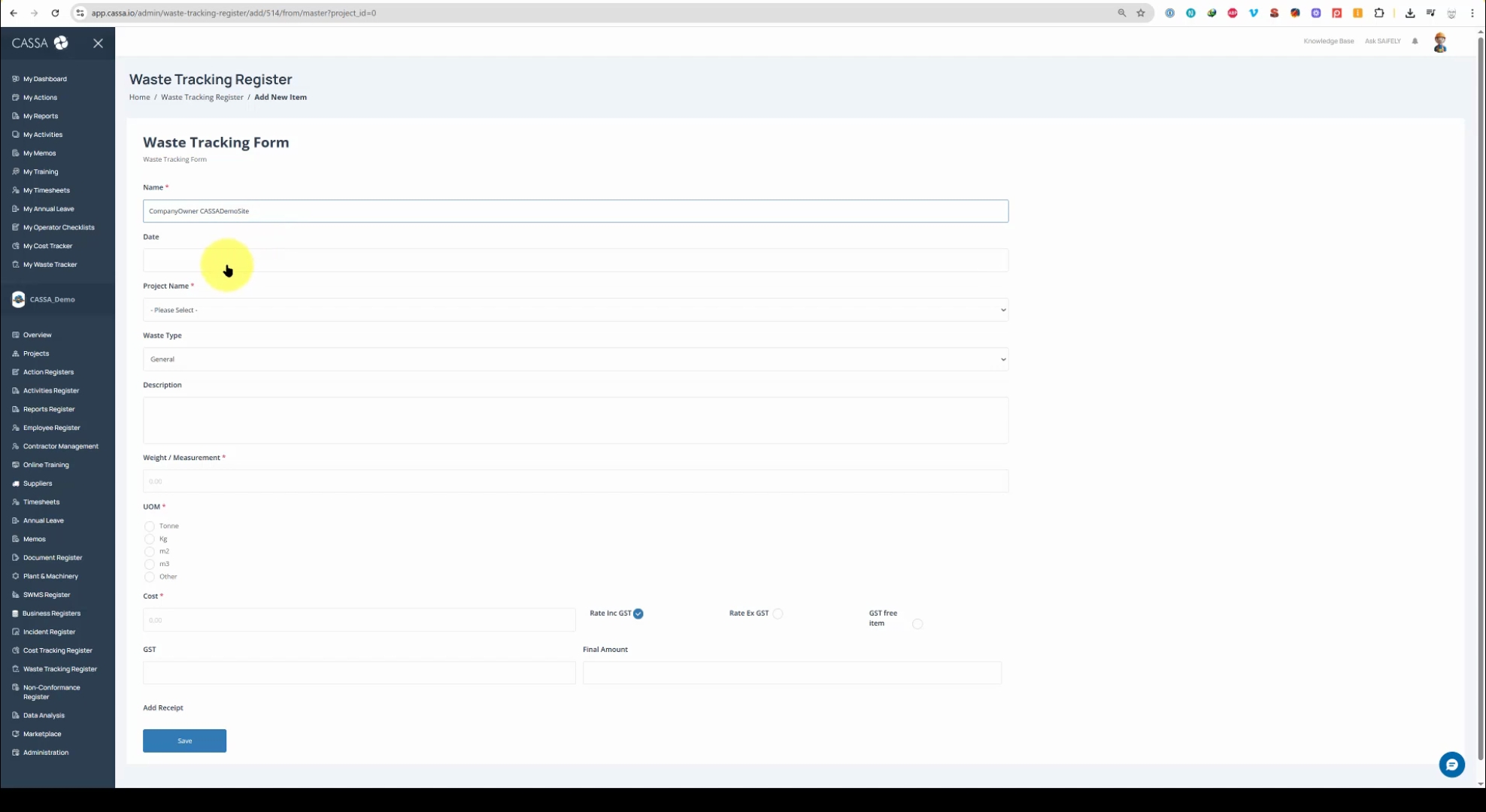
Select the Project.
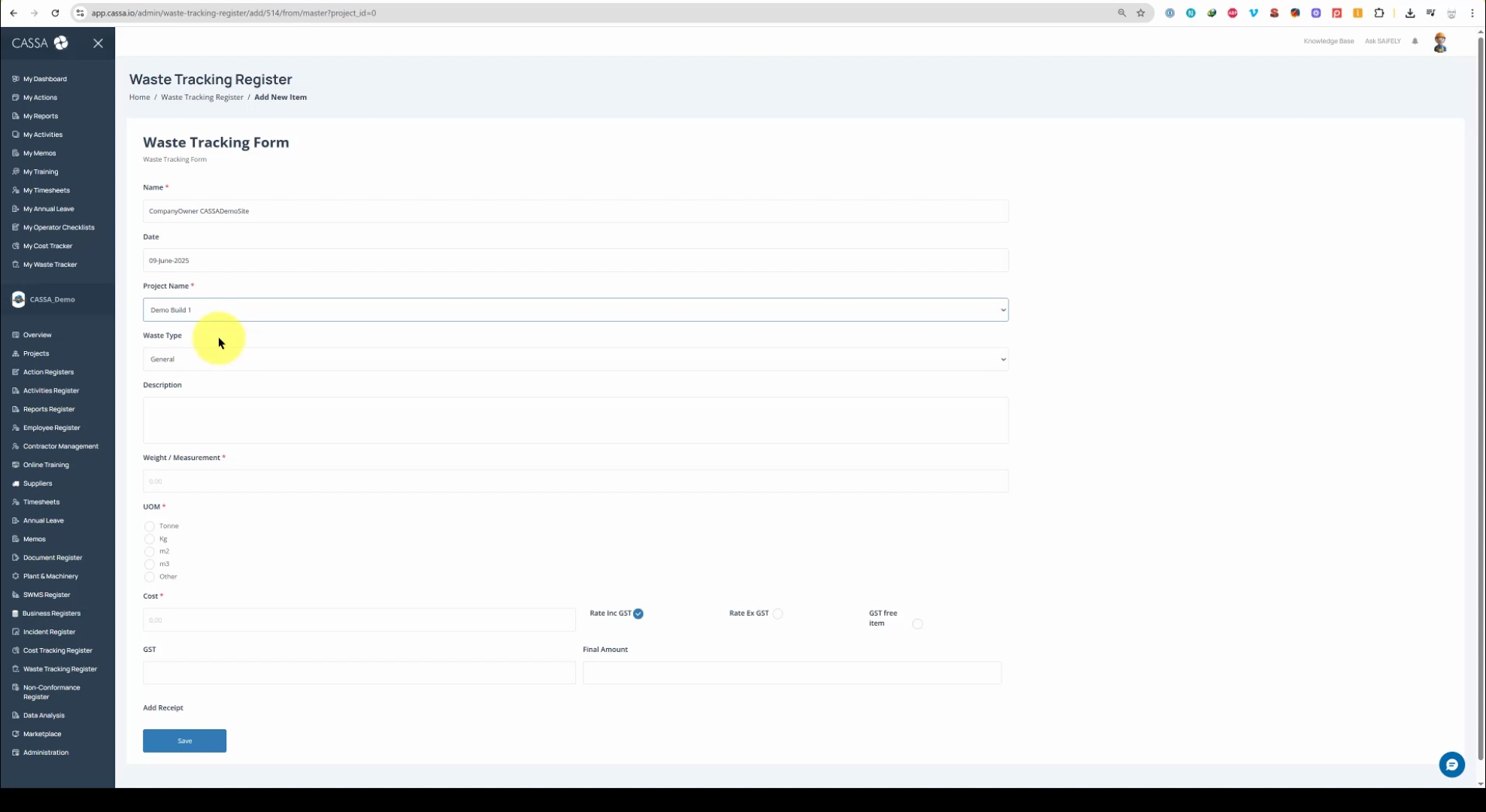
Select the Waste Type from the drop down list. We have options such as general metal, concrete, soil, asbestos, etc.
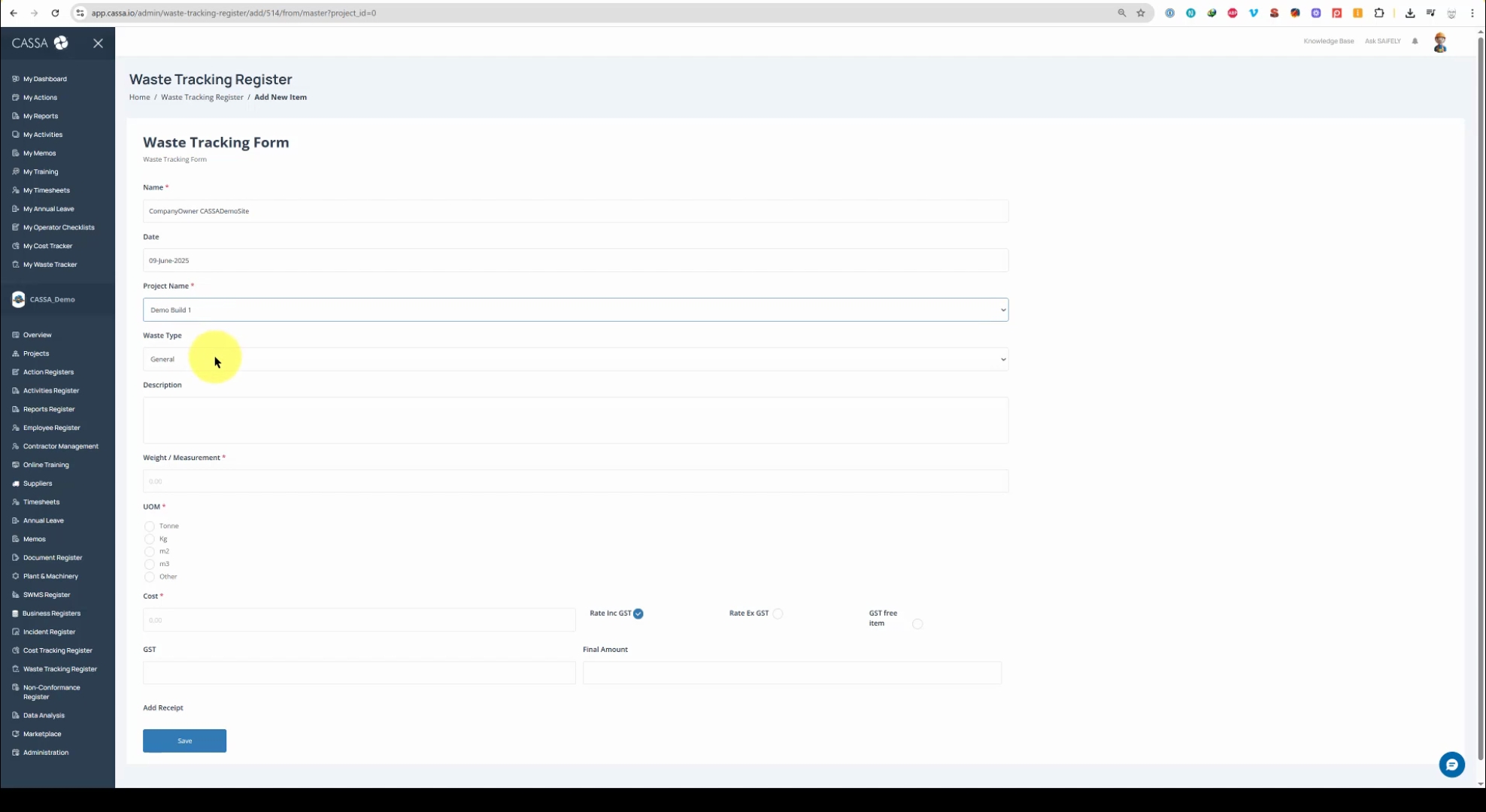
Next, provide a Description. This is where you should enter the description of the type of waste, the weight, and the measurement.
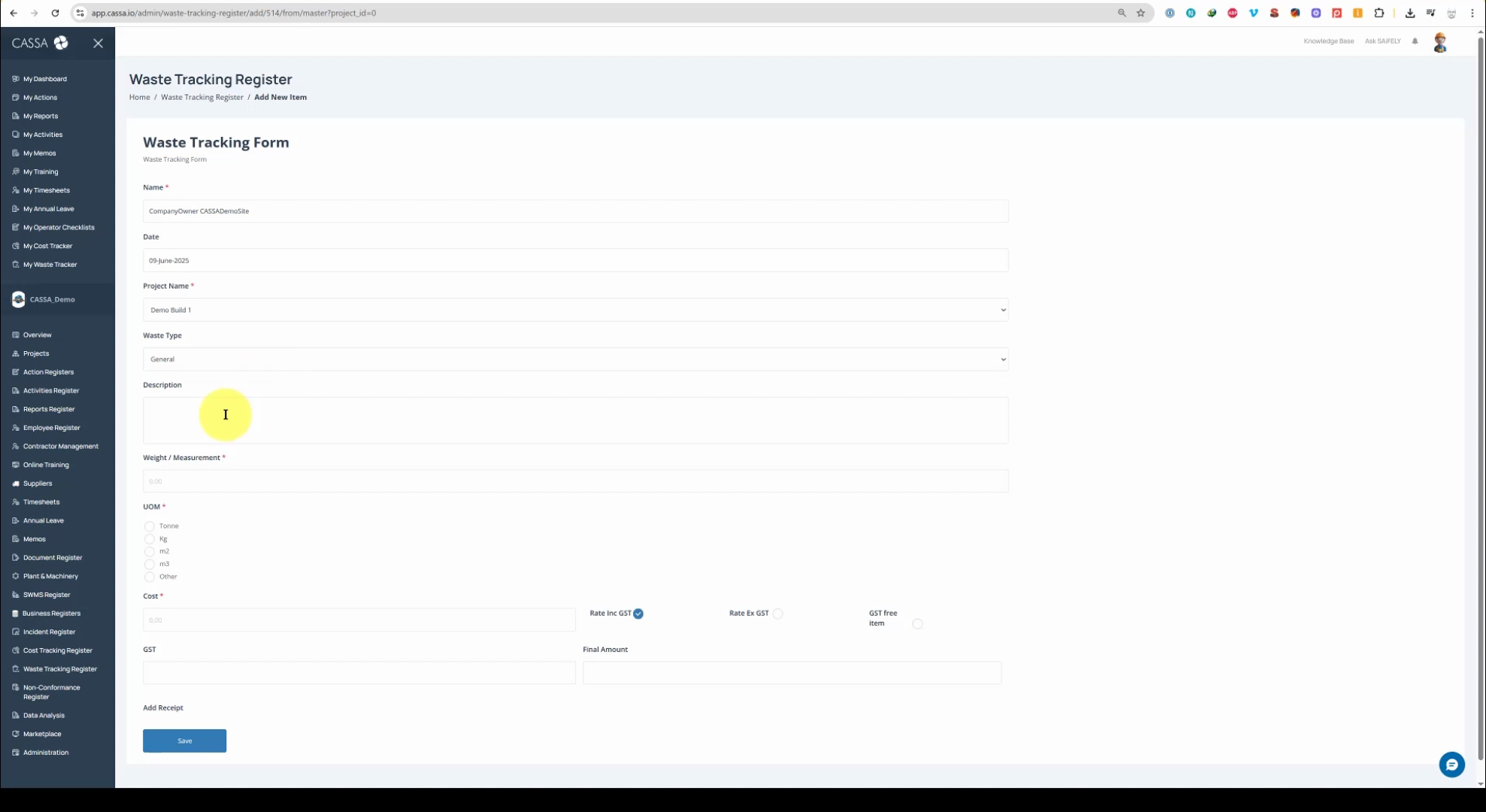
Afterwards, include the Measurement Type, Cost, and the Rate.
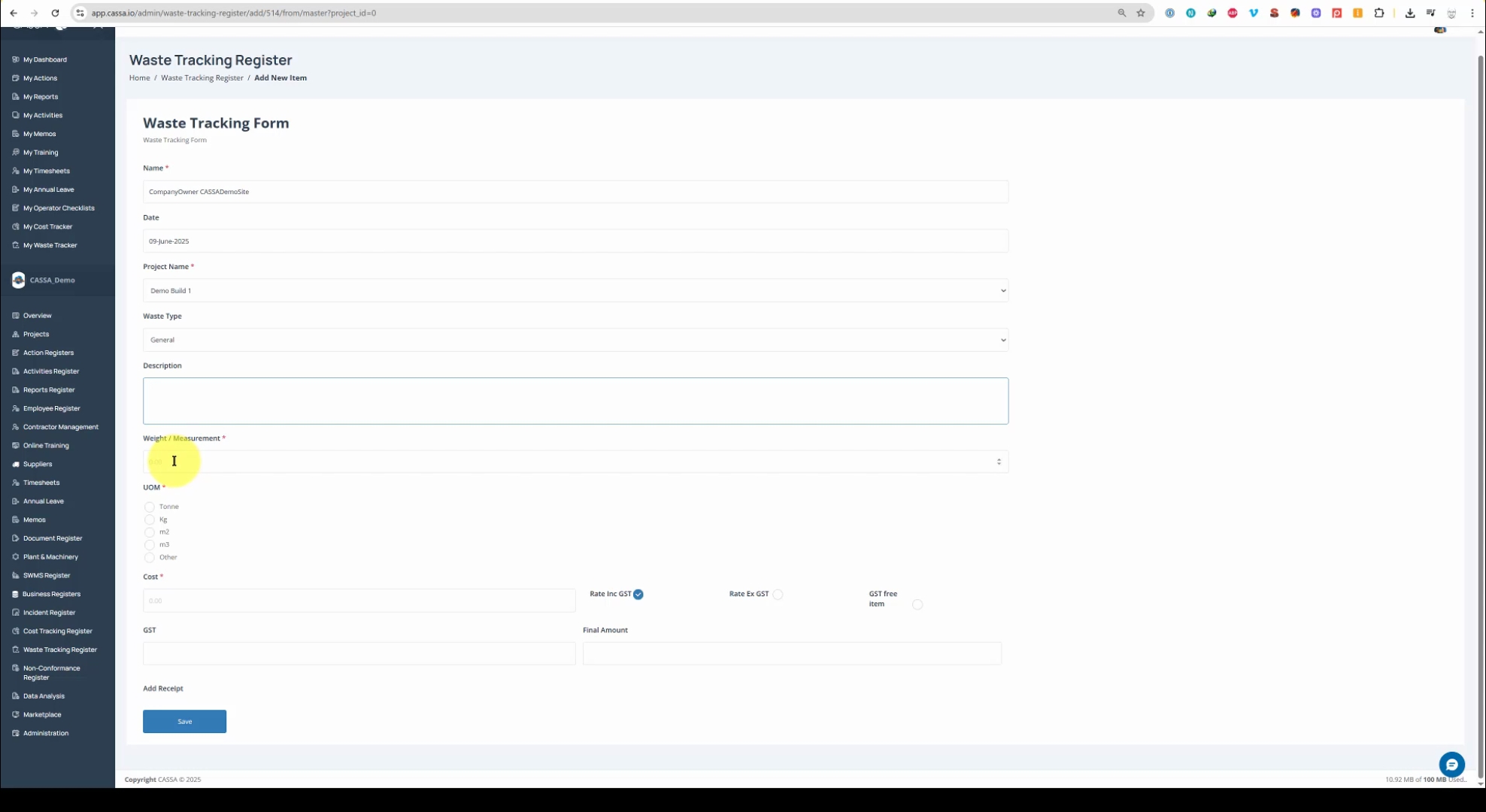
Choose from the options: including GST, excluding GST, or if it's a GST free item.
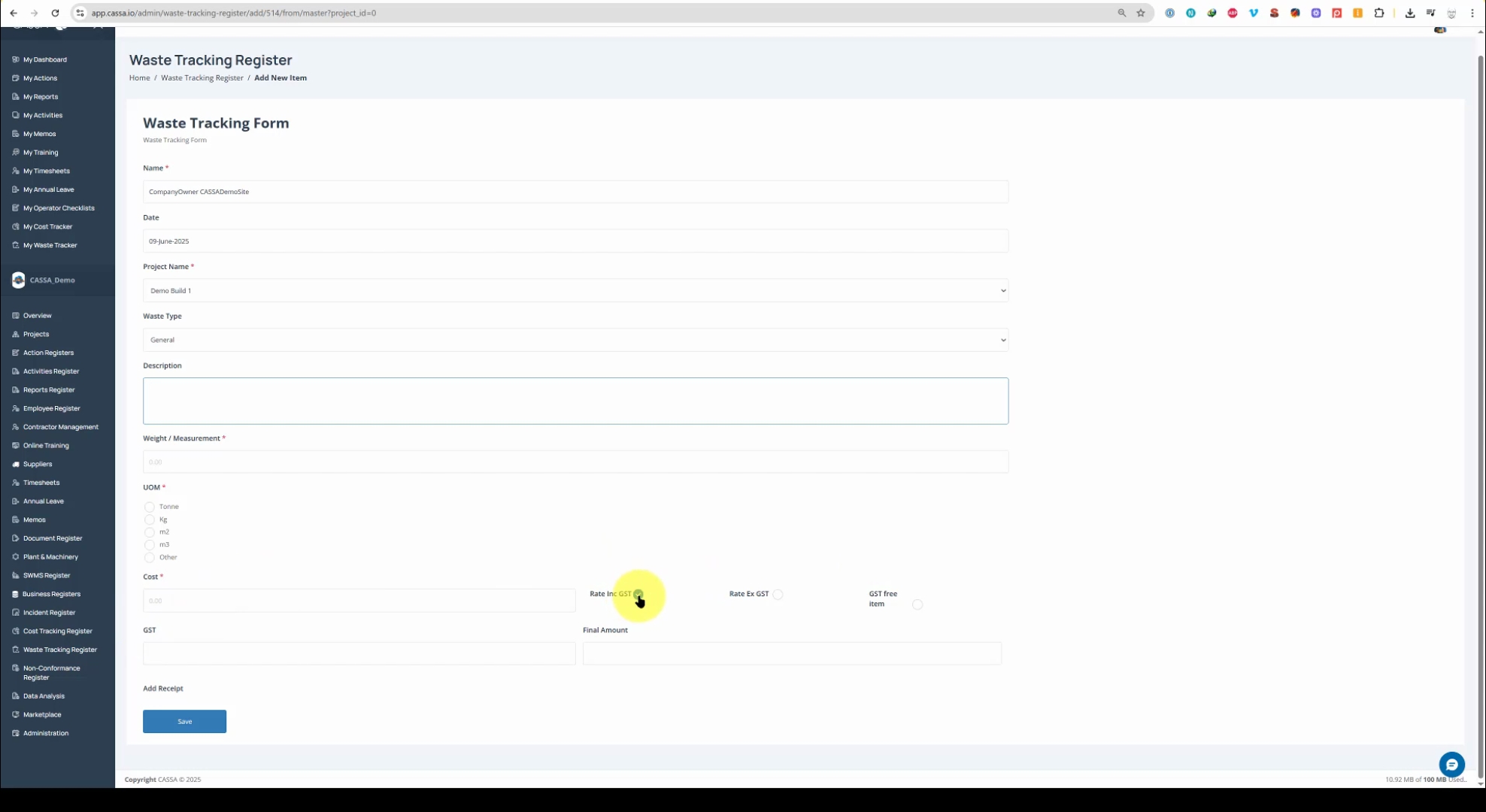
The GST and Final Amounts should auto-calculate but you can override it if necessary:
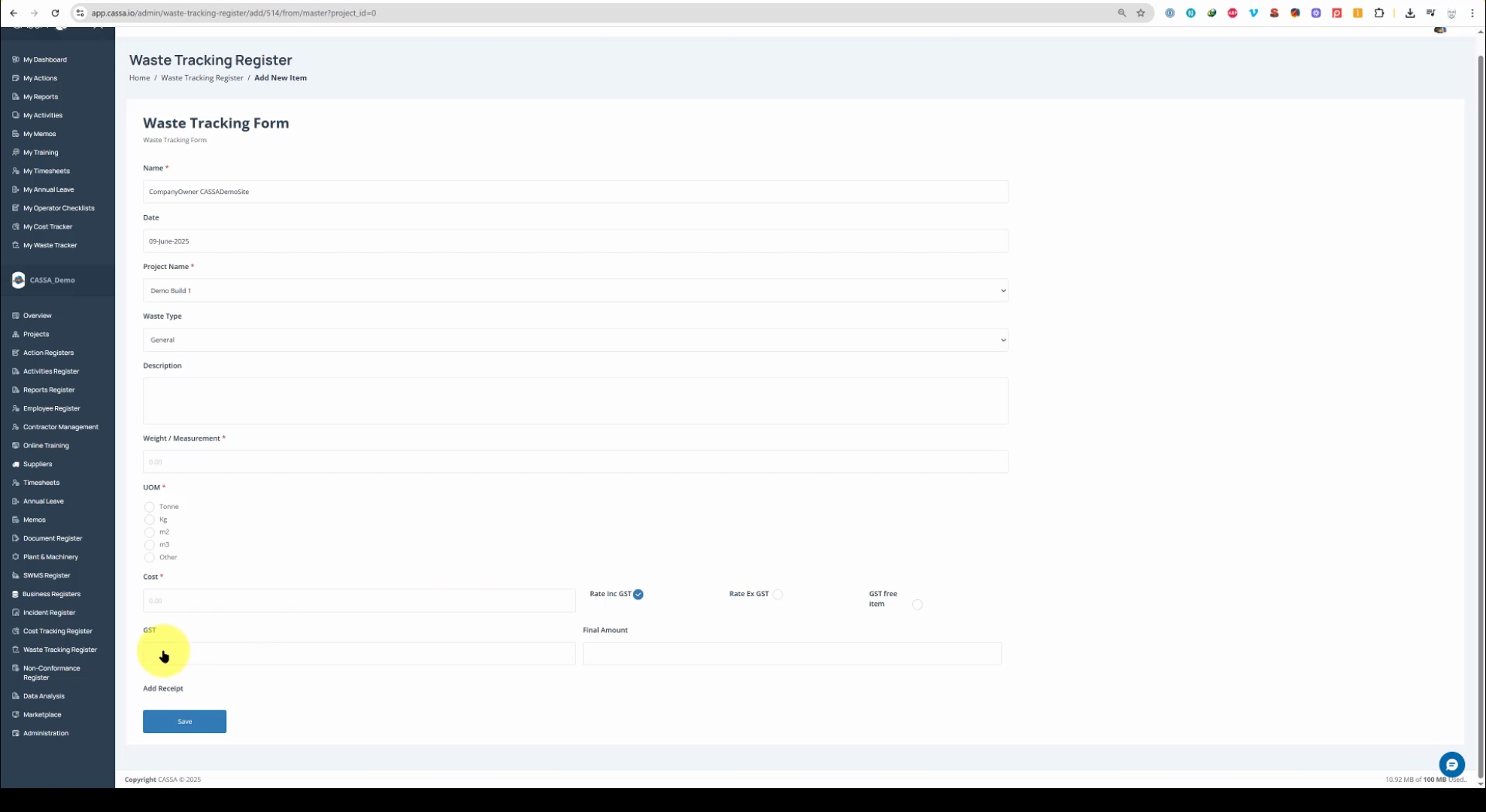
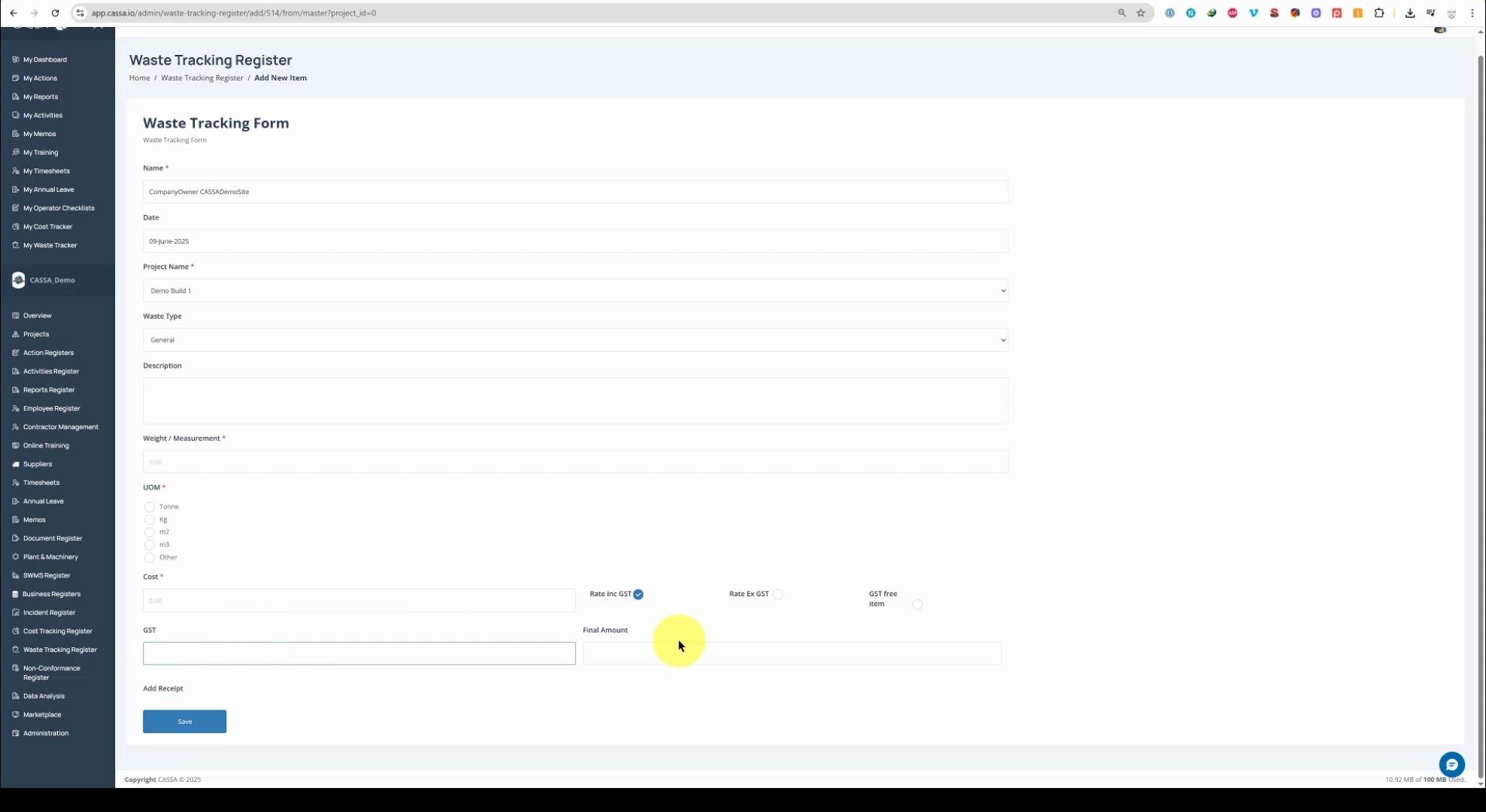
If necessary, you can add a Receipt at the bottom by clicking on the Upload button and selecting your image:
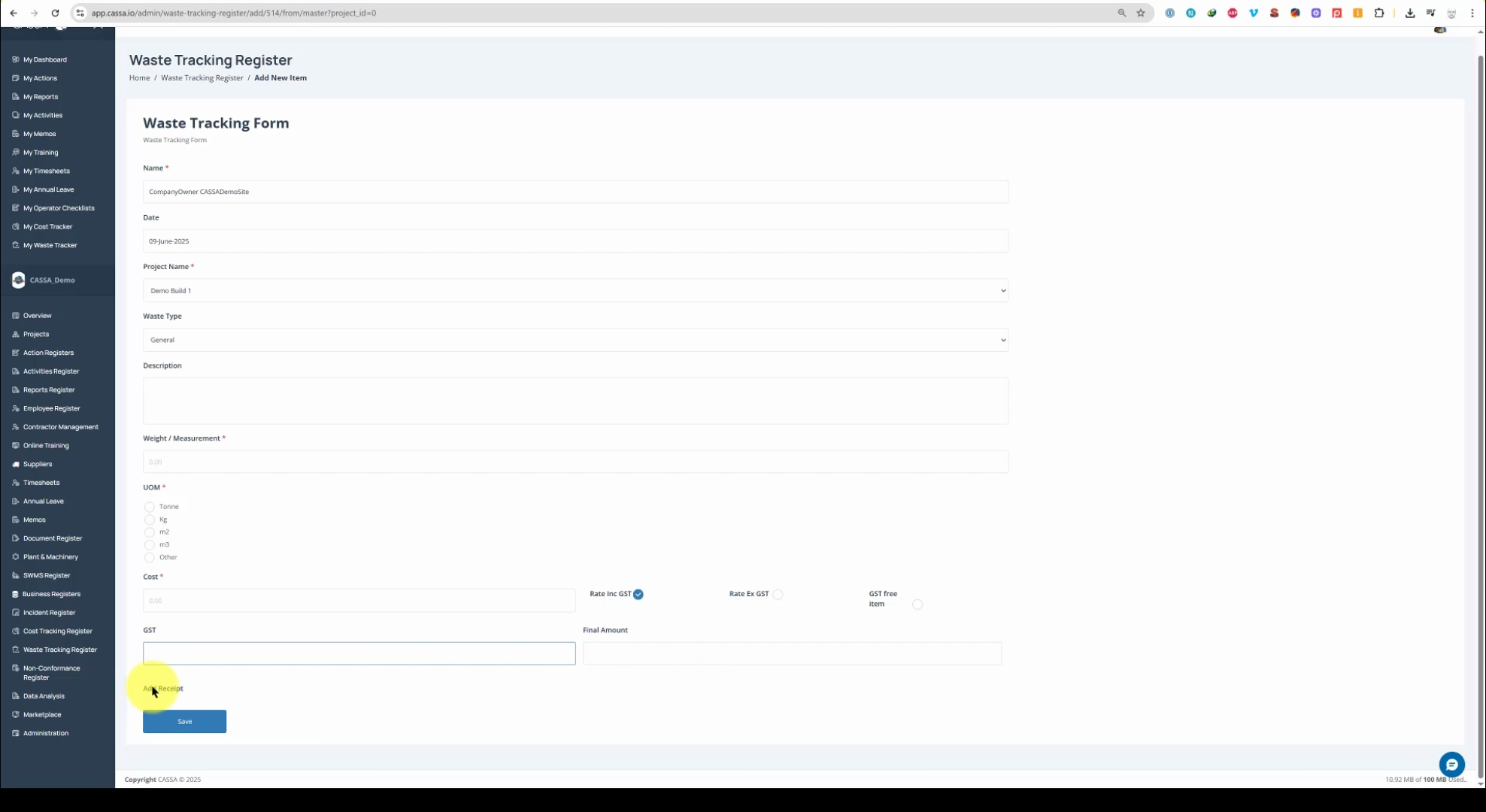
Once all the information has been added, click on the Save button.
CASCA will now process the entry. The screen will refresh, and you will see that your waste tracking register item has been successfully added to the grid.