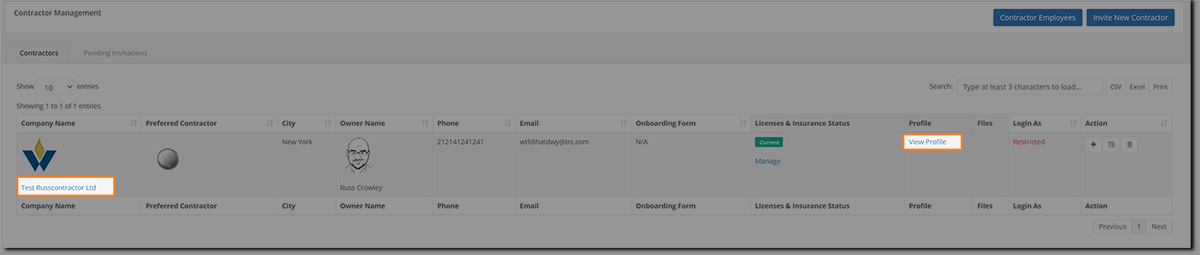
There are 2 ways to view contractor profiles:
Click on the Company Name.
In the Profile column, click on View profile.
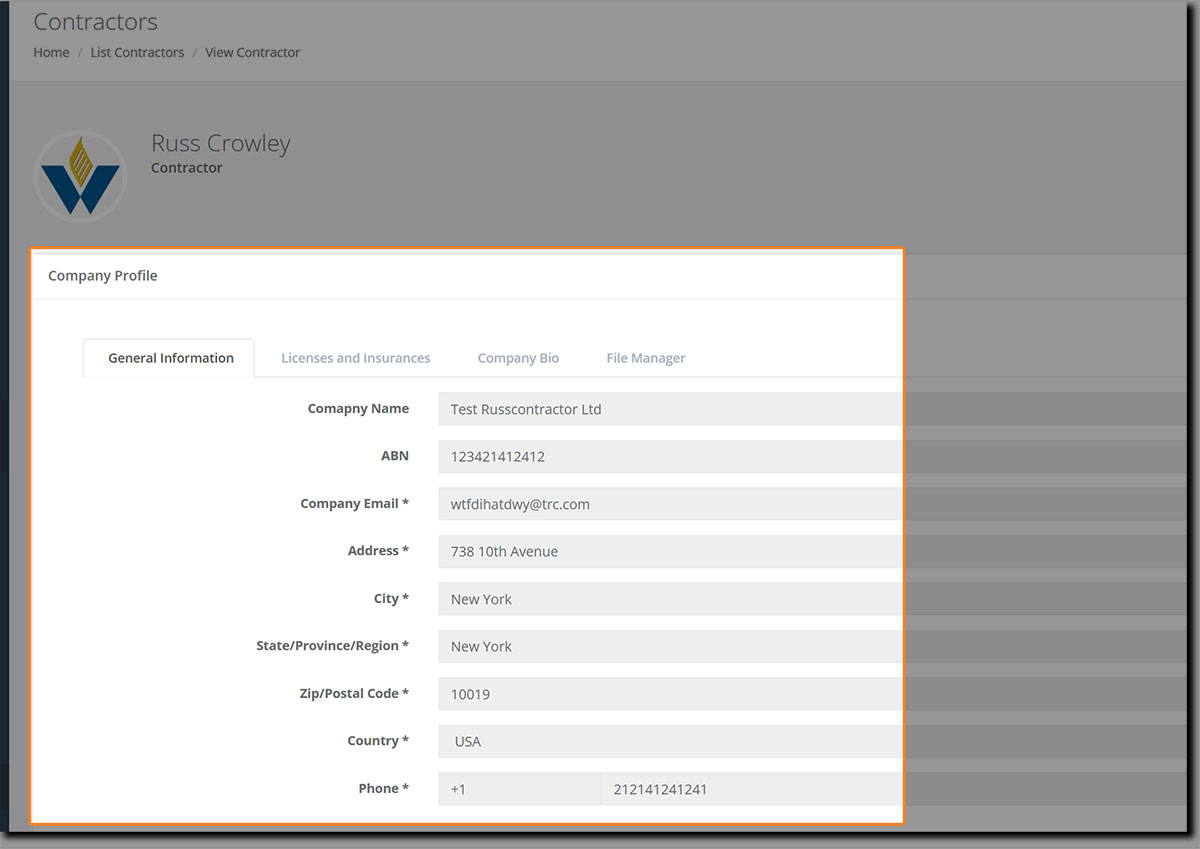
Either method will take you to the contractor’s profile
Hint: When viewing profiles, you might want to open in a new tab rather than navigating away from the contractor’s grid. Right-click and select ‘Open link in new tab’.
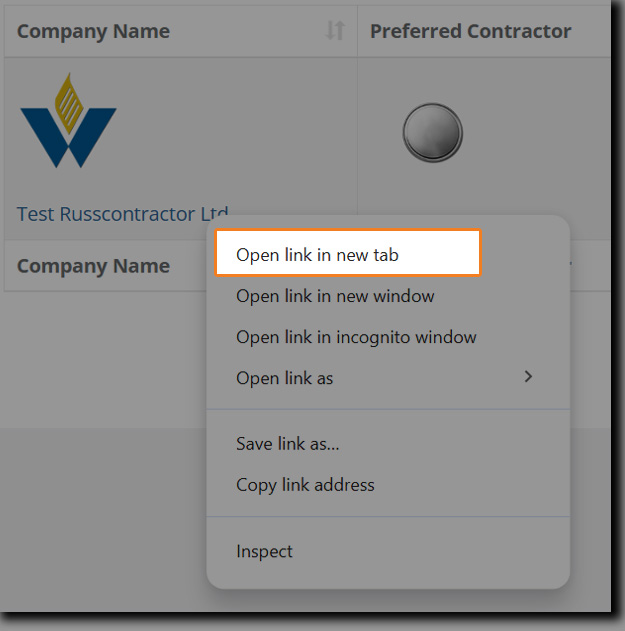
You might find that easier as it'll save you a lot of mouse-clicks in the main grid.
When their profile opens in a new tab, you can view their profile details: