


Here's a short video showing you how to view your document history:
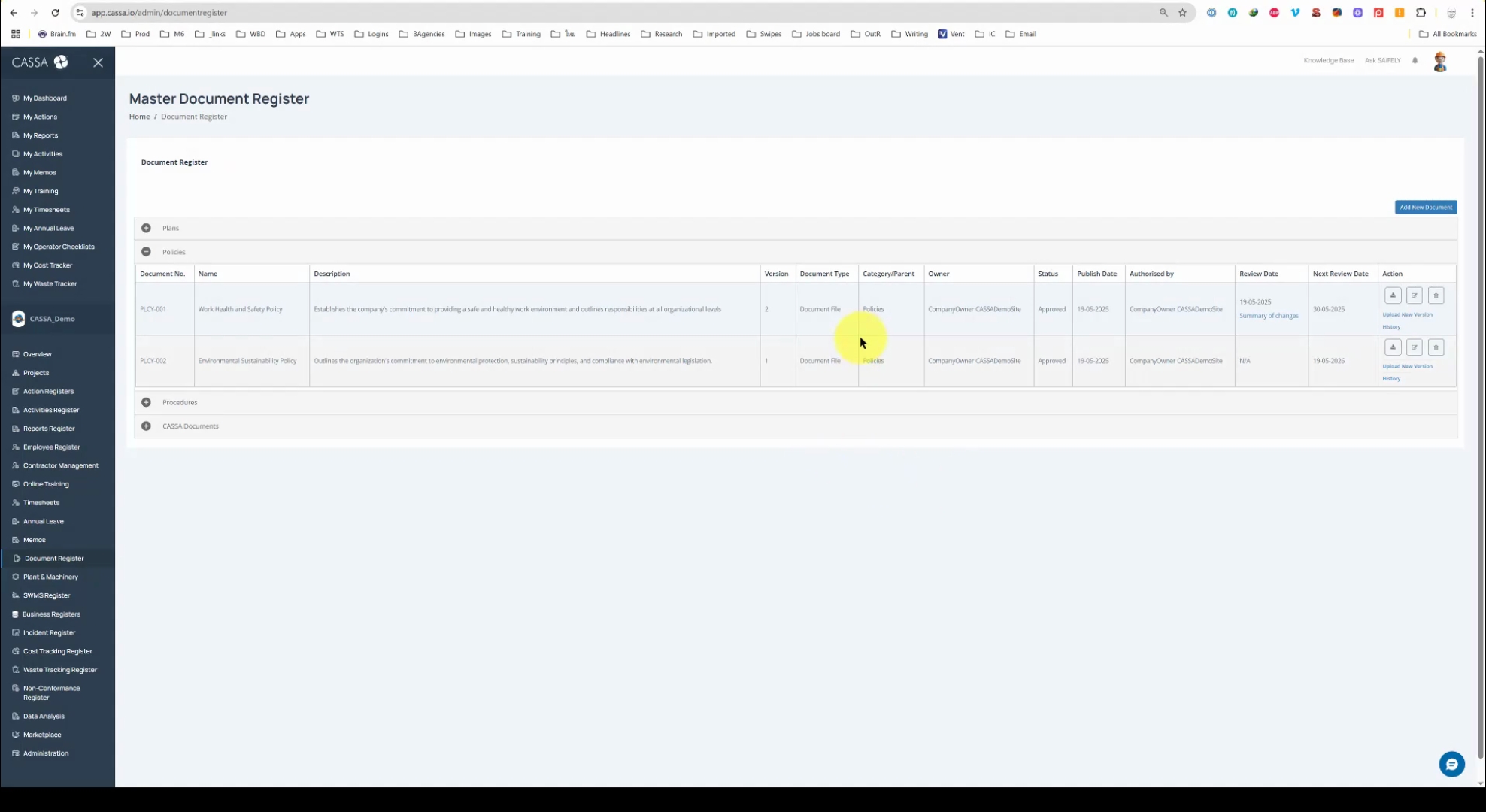
First, identify the document for which you would like to view the history and then click on the History text link:
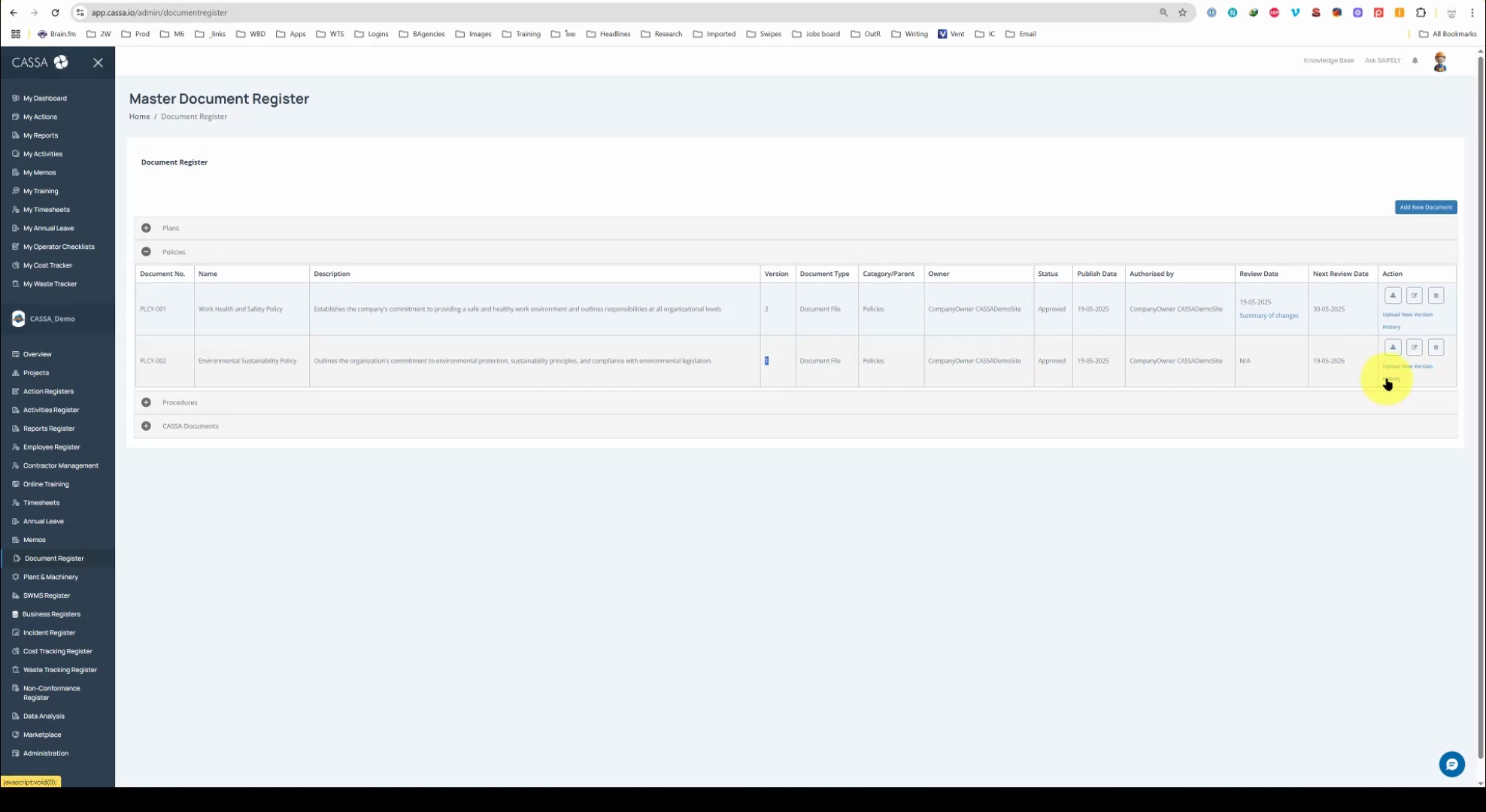
If the original version (v1) is uploaded, the history may not display any previous versions. However, once you upload a new version, for example, as I show in the video, an updated version of PLCY-002, you will have this option available.
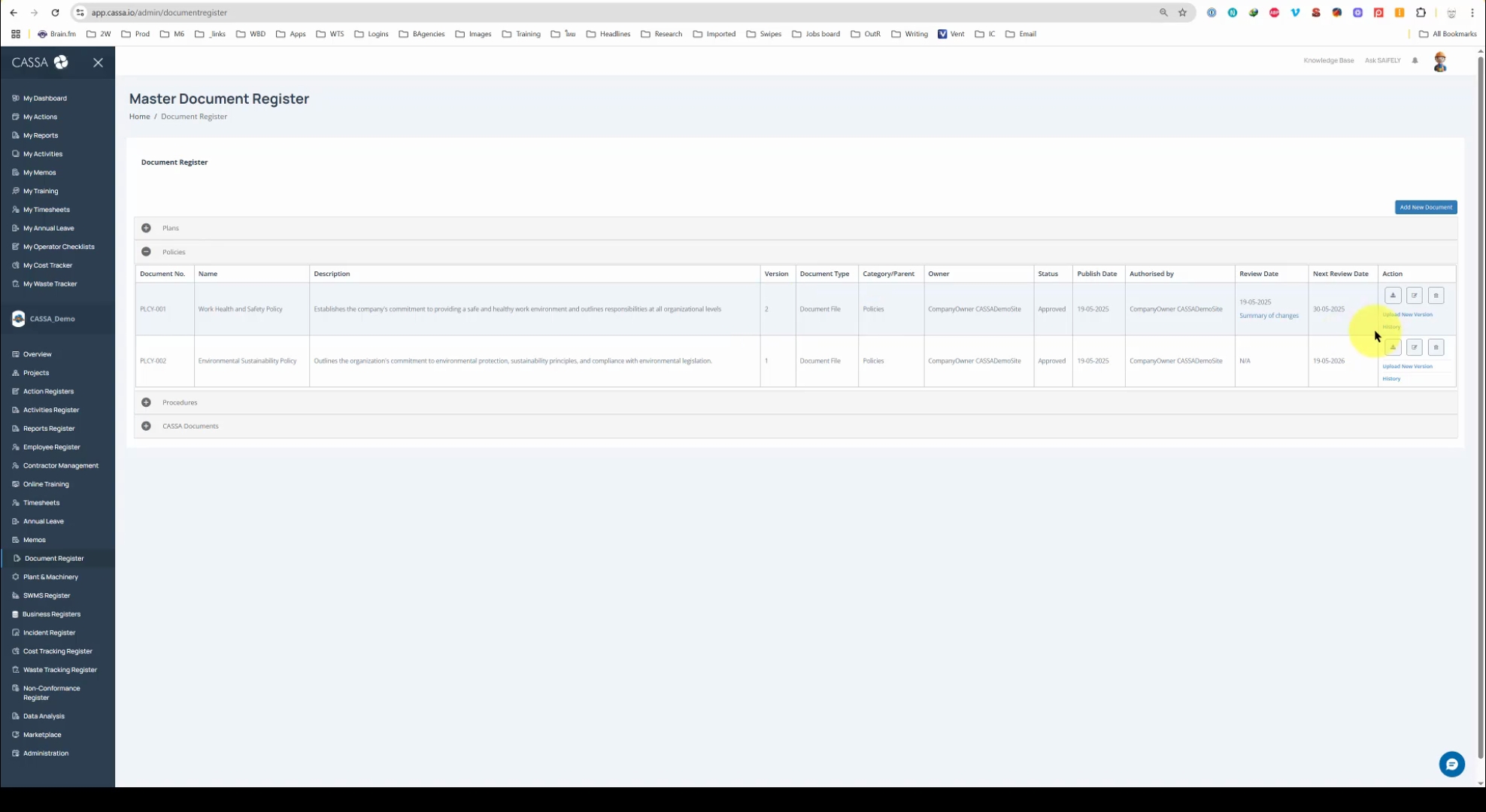
Click on History and you'll see the version history of that particular document:
If desired, you can download v1 by clicking on the download button and save it to your computer in the normal fashion.
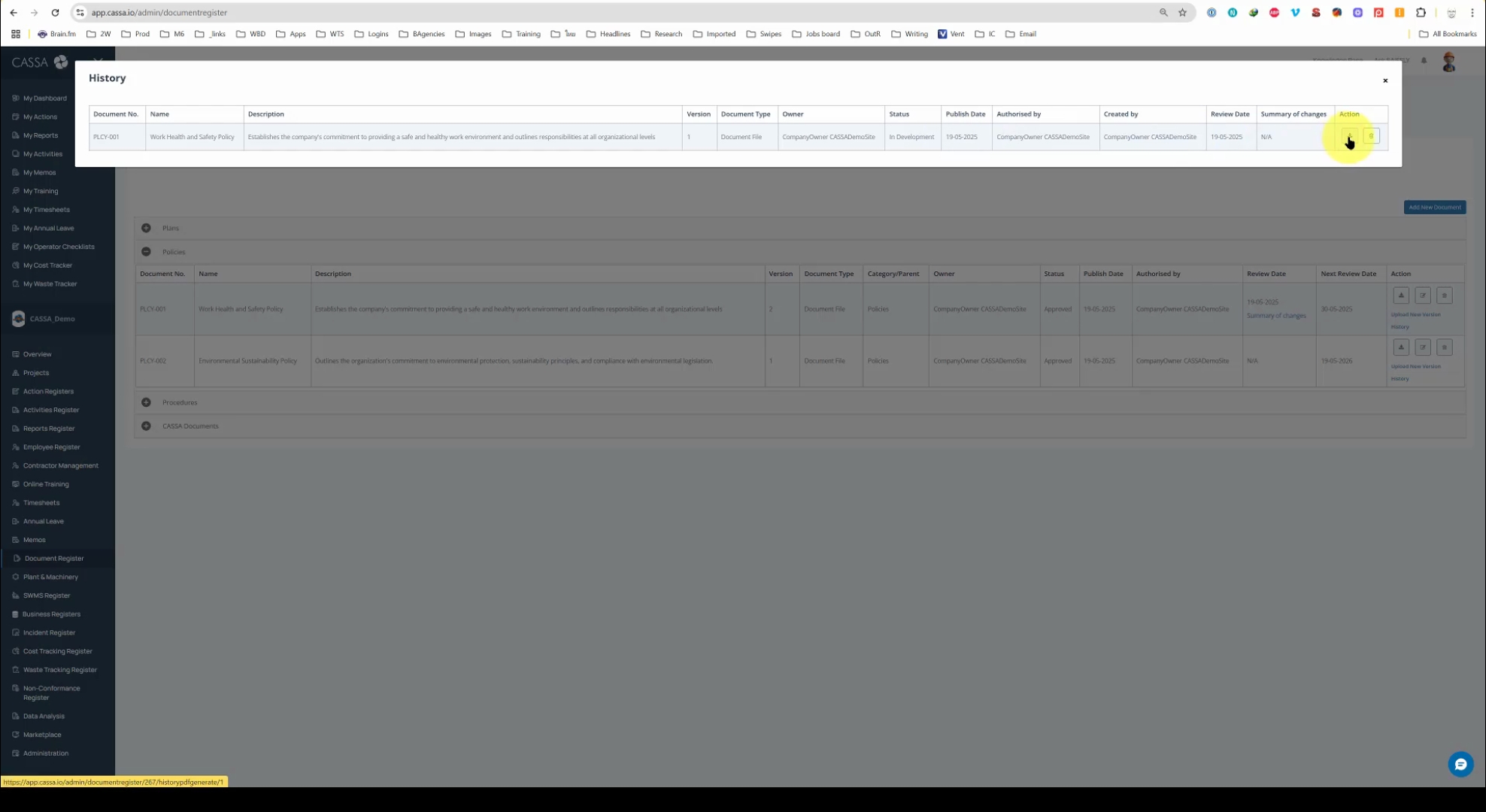
Alternatively, to delete your previous document just click on the delete button and accept the confirmation.