The Assigned Courses page displays training allocated to you through Client Training. You can review course details, check due dates and start assigned training from this screen.
Scheduled Training
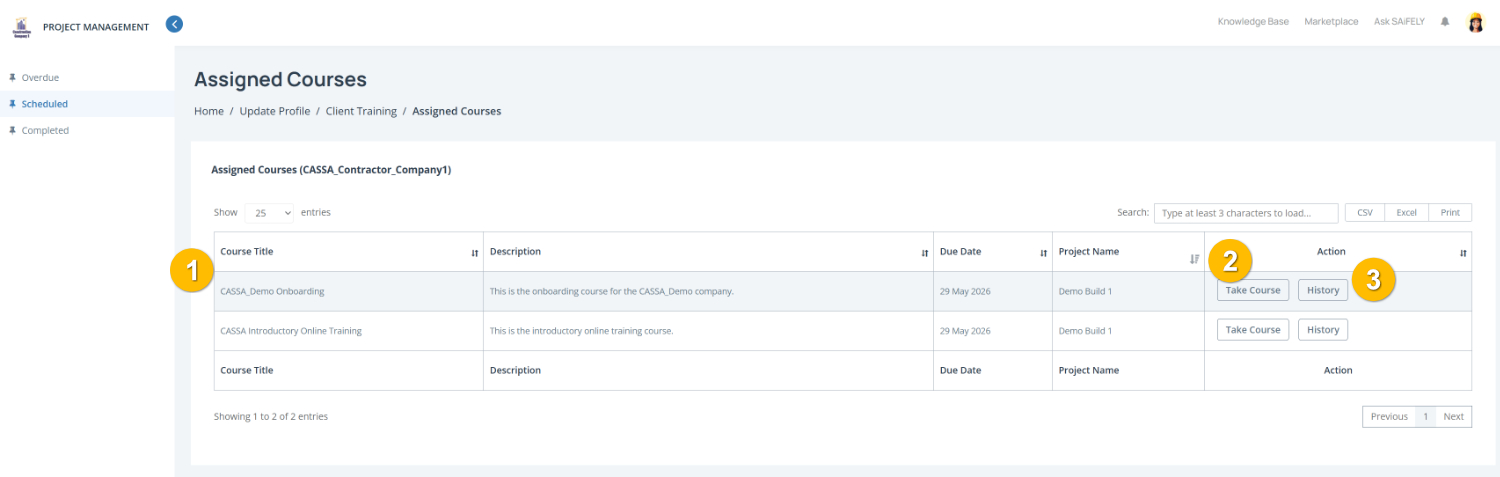
To complete this page:
Review assigned training by checking the course table (1). Training items include the Course Title, Description, Due Date, and associated Project Name so you can see what training is required and when it must be completed.
Start a training course by clicking Take Course (2) in the Action column. This will open the selected training so you can begin or continue the course.
View training history by clicking History (3) to review previous attempts or completion records for a course.
Filter courses by status by selecting Overdue, Scheduled, or Completed from the left-hand menu to view training based on its current status.
Note: Client-assigned training follows the same completion process as other CASSA online training, including course instructions, questions and results.
You can also:
Search for a course using the Search field
Export course information using CSV, Excel, or Print options
Overdue Training
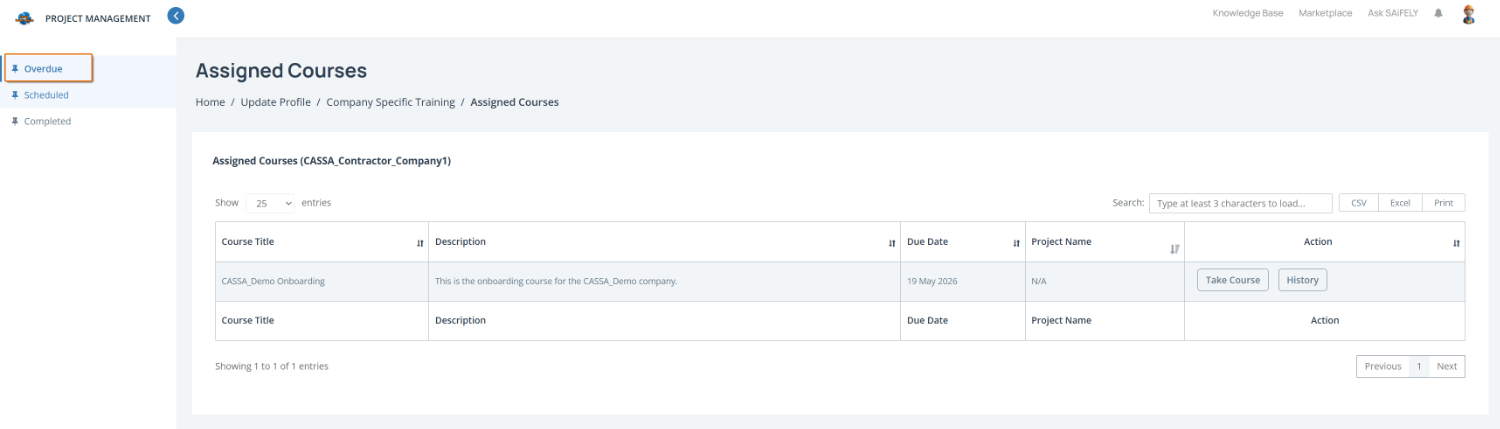
On the same Assigned Courses page, click on Overdue to view courses that need your attention.
Completed Training
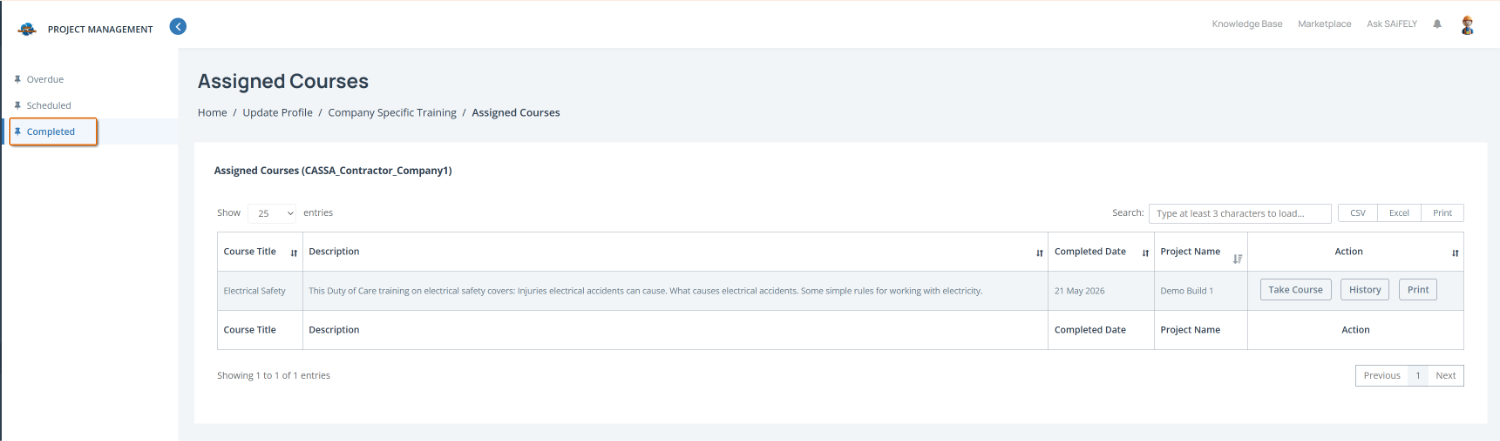
In the same manner, click on Completed to view your already completed training.