


Watch the walkthrough demo video:
Steps
To begin, click on the QR Code Action button. This will display the QR code on your screen.
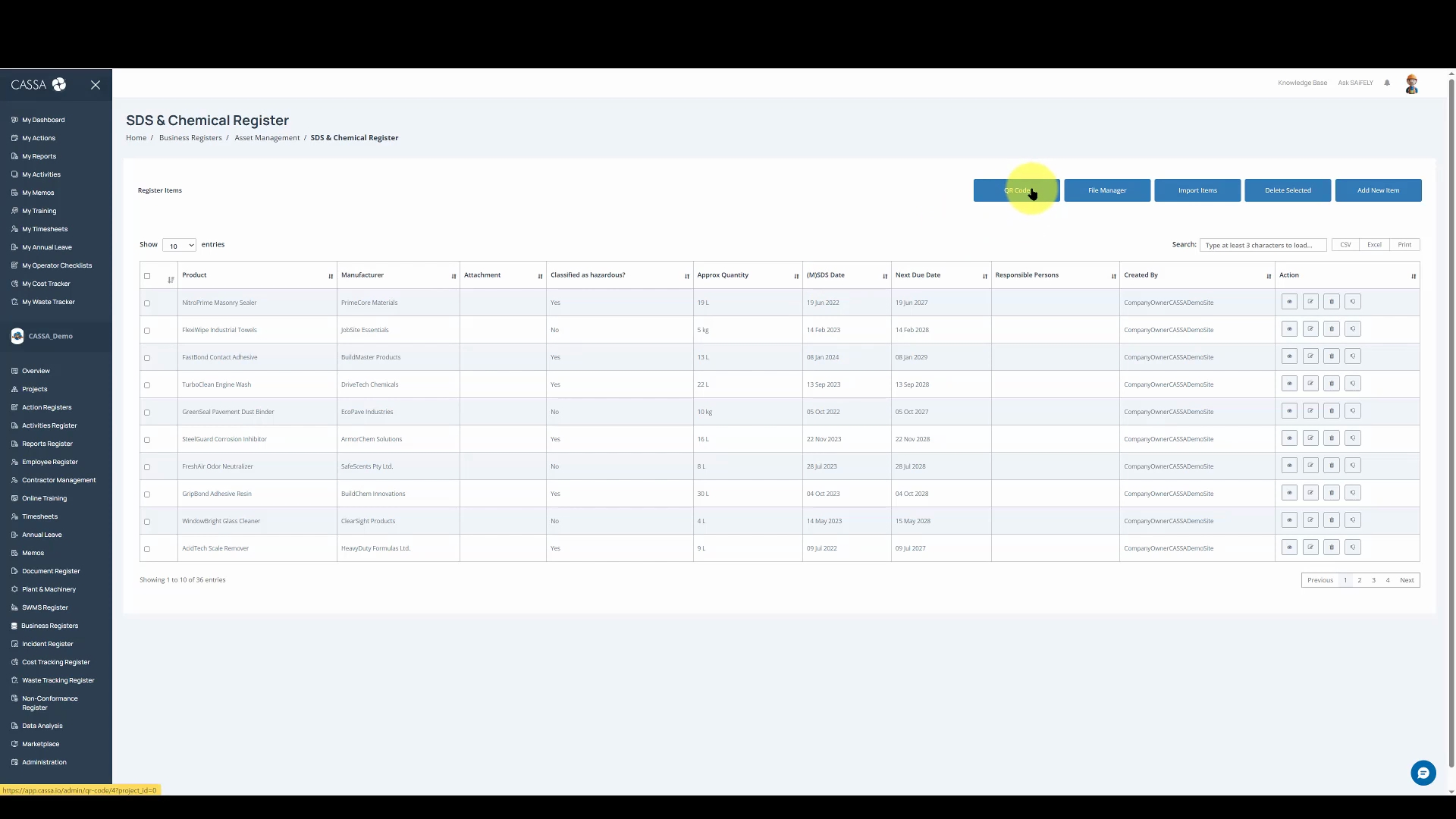
Next, click on the Print button to print as many copies of the QR code as you need.
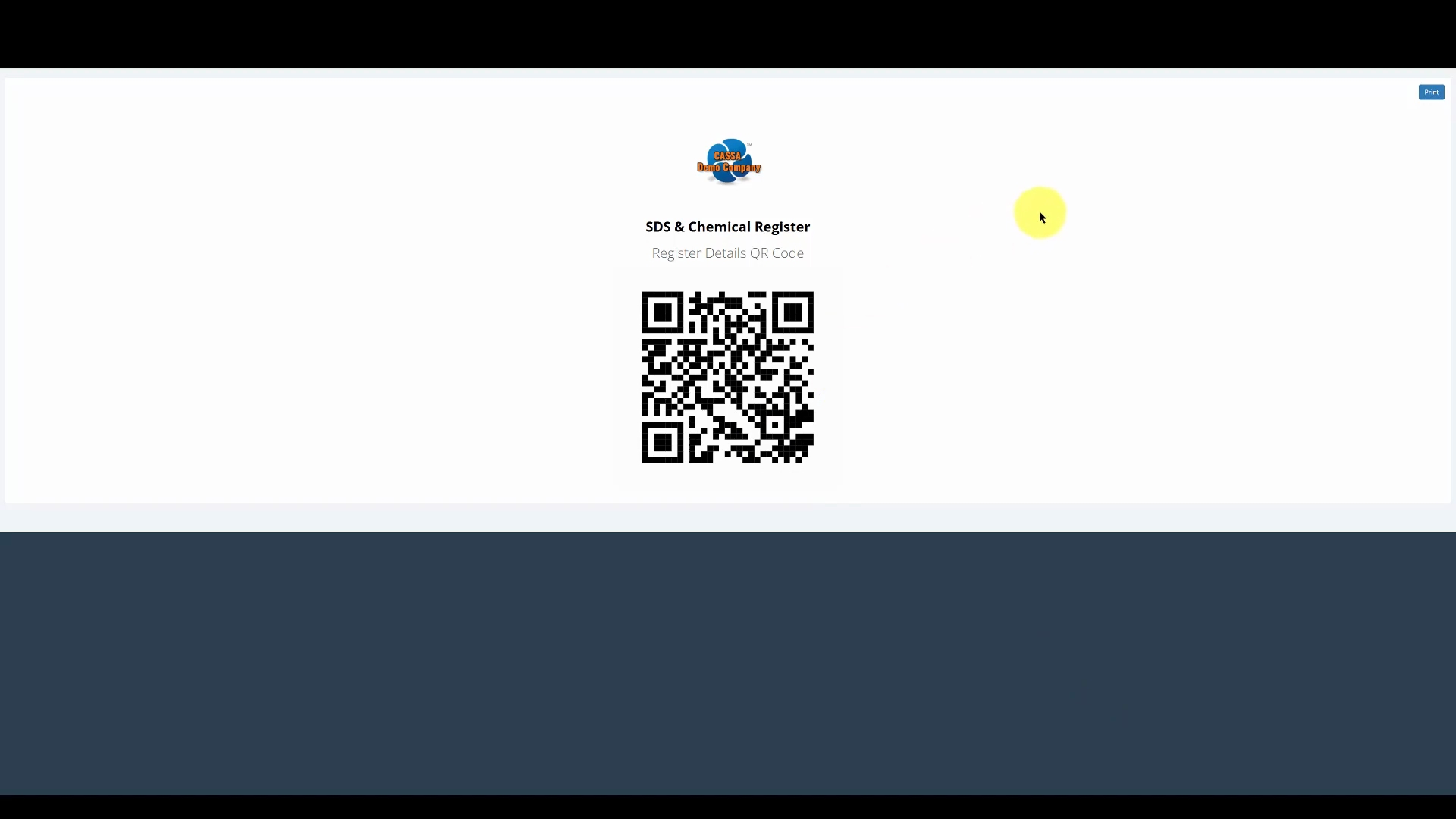
You can then pin these copies around your site, on notice boards, or in other strategic locations.