

The Delete VoC option allows you to permanently remove a Verification of Competency (VoC) or Proficiency Assessment from your profile if it is no longer needed or was added by mistake.

To complete this process:
Select the competency record to delete by clicking the Delete icon next to the VoC or assessment you want to remove from the Verification of Competency / Proficiency Assessment page.
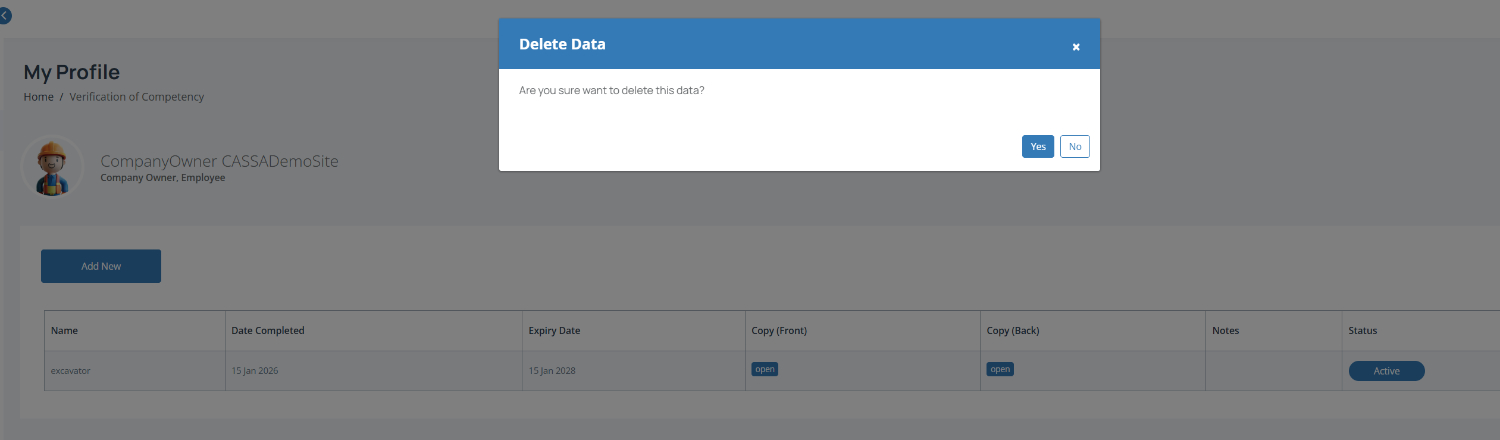
Confirm the deletion by clicking Yes in the confirmation window to permanently remove the record.
Note: Once deleted, the competency record and any uploaded documents may no longer be available in your profile.
Make sure you no longer need the record before deleting it.