

The Add Qualification window is where you add qualifications, licences and tickets to your profile, along with any supporting documents.
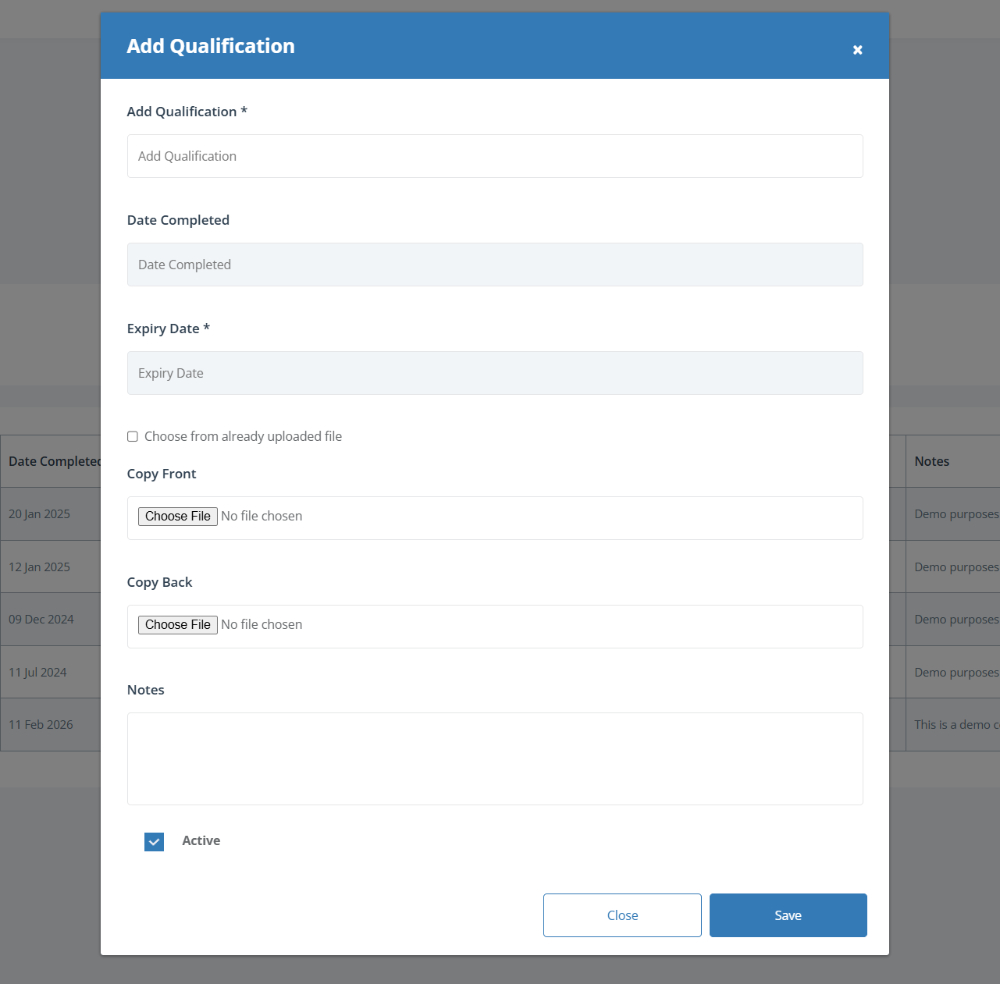
To complete this page:
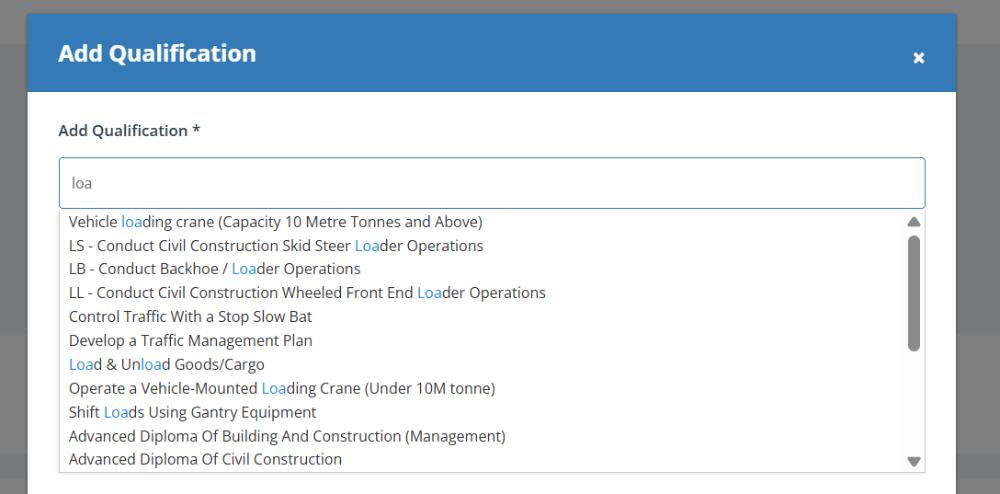
Search for and select a qualification by typing the qualification name into the Add Qualification field and selecting the correct option from the list.
Note: As you type, matching qualifications will appear automatically for you to select.
Enter the qualification dates by selecting:
Date Completed – When the qualification was completed (if applicable)
Expiry Date – When the qualification expires
Upload supporting documents by clicking Choose File to add:
Copy Front – The front of your card, certificate or document
Copy Back – The back of your card, certificate or document (if required)
Reuse an uploaded file by ticking Choose from already uploaded file if the document has already been added to CASSA.
Add any notes in the Notes field if you want to include extra information about the qualification.
Set the qualification status by leaving Active ticked if the qualification is current.
Save your qualification by clicking Add New Qualification to add it to your profile.