

The Company Specific Qualifications section is where company-required qualifications, licences or training will appear. These may be added by your employer or administrator to help ensure compliance with company requirements.
On the My Qualifications page, open the qualification list by clicking on the Company Specific Qualifications button.
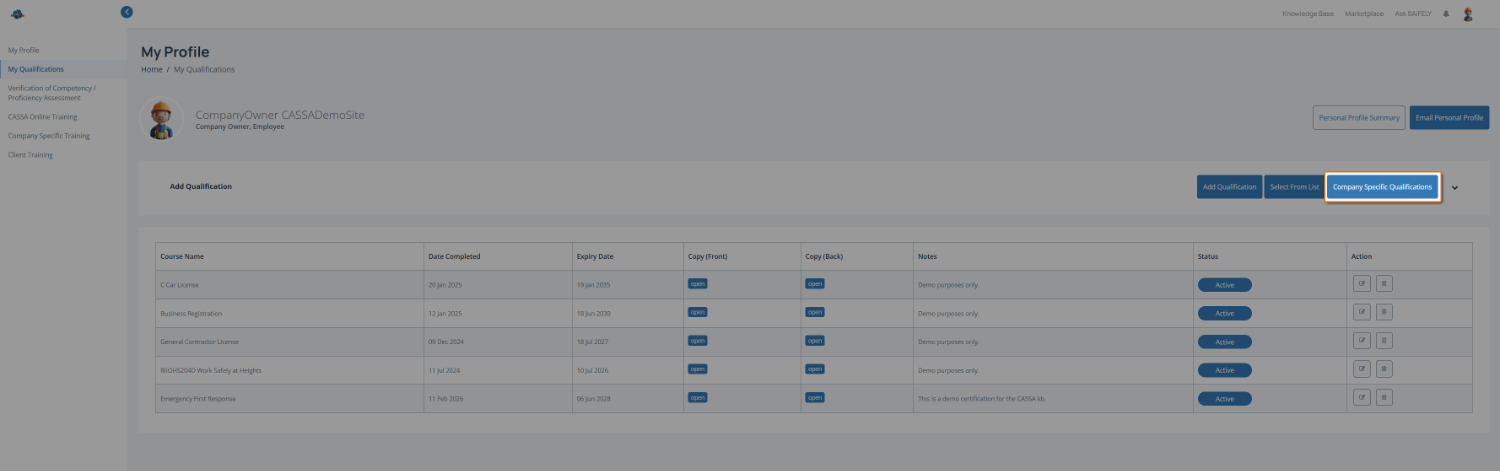
To complete this page:
View company-required qualifications in the qualifications table once they have been assigned to you.
Add or update qualification details by following any requirements listed, including uploading supporting documents if requested.
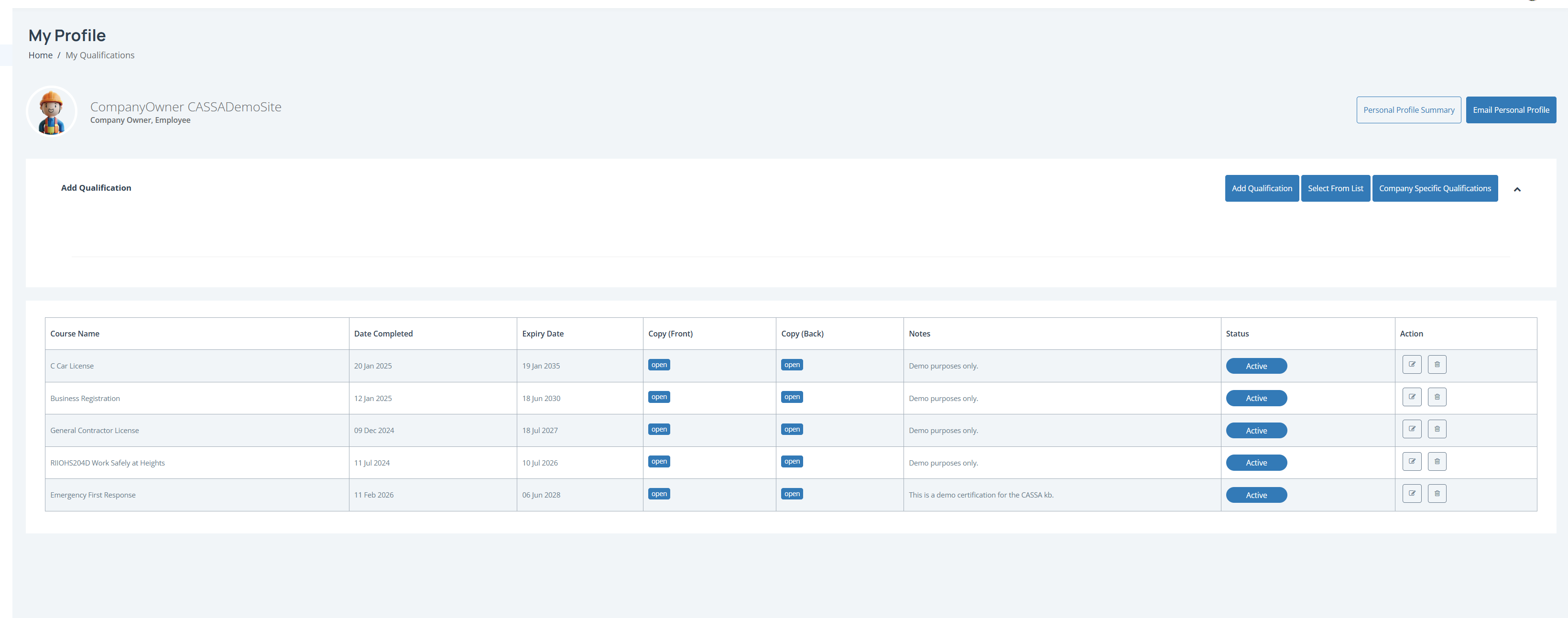
Note: If no qualifications appear, none have been assigned to you yet. Contact your administrator if you believe something is missing.
Monitor expiry dates to make sure any required qualifications remain current.
You can also:
View your Personal Profile Summary
Email Personal Profile to send a copy of your profile details by email.