

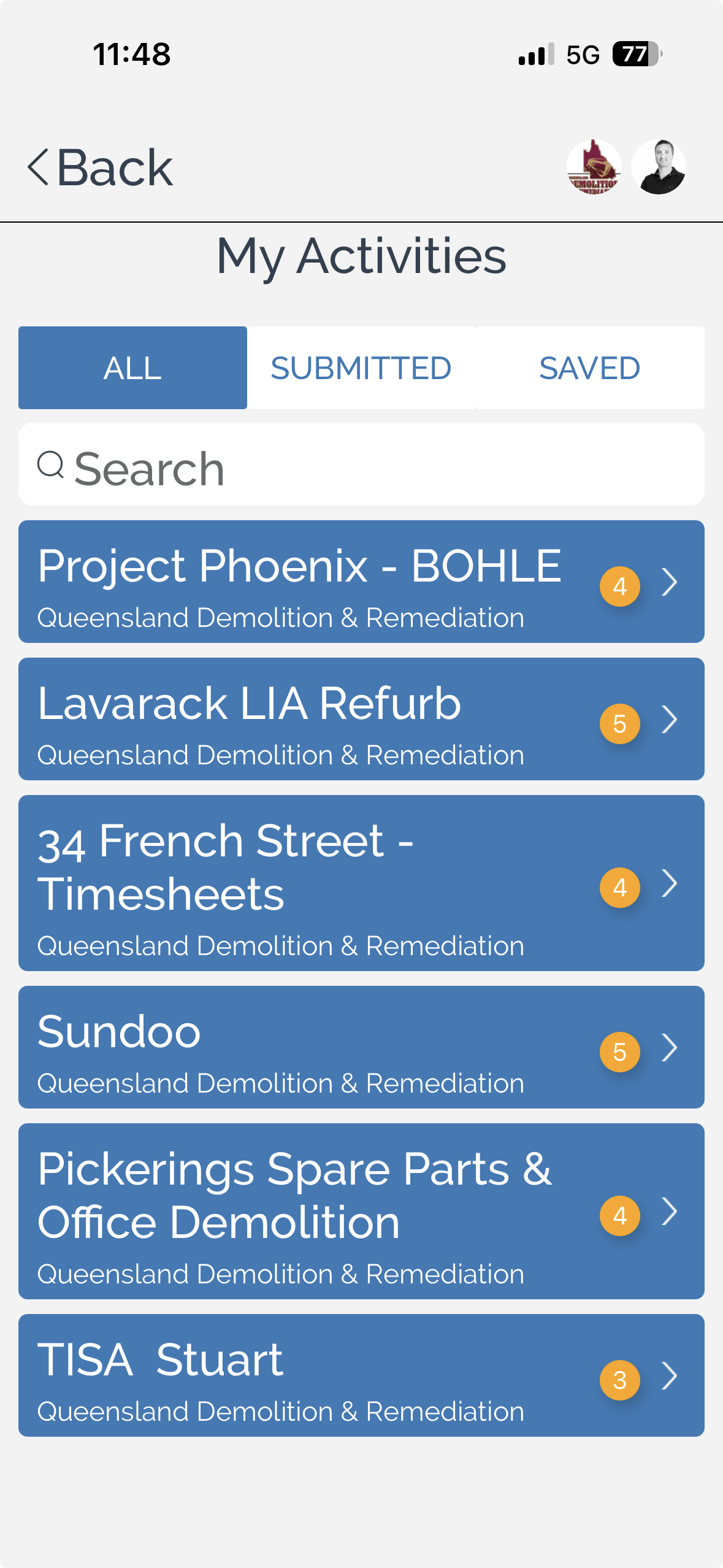
The My Activities page displays activities that have been assigned to your account. From here, you can review activities that have been submitted, continue working on saved activities, or search for a specific activity.
To review your activities:
Select the appropriate tab to display the activities you want to view:
All – Displays all activities assigned to you.
Submitted – Displays activities that have already been submitted.
Saved – Displays activities that have been saved but not yet submitted.
Search for an activity using the search field to quickly locate a specific record.
Select an activity from the list to view or continue working on it.
Note: If no activities have been assigned to you, the page displays a message indicating that your activities will appear here once they have been assigned.
You can also:
Switch between tabs to monitor the progress of your assigned activities.
Continue working on saved activities before submitting them.
Use the search function to quickly locate activities when multiple records are available.