

The My Operator Checklist page displays the operator checklists you have completed or are responsible for. From this page, you can search for checklists, create new inspections, and edit, view, or delete existing records.
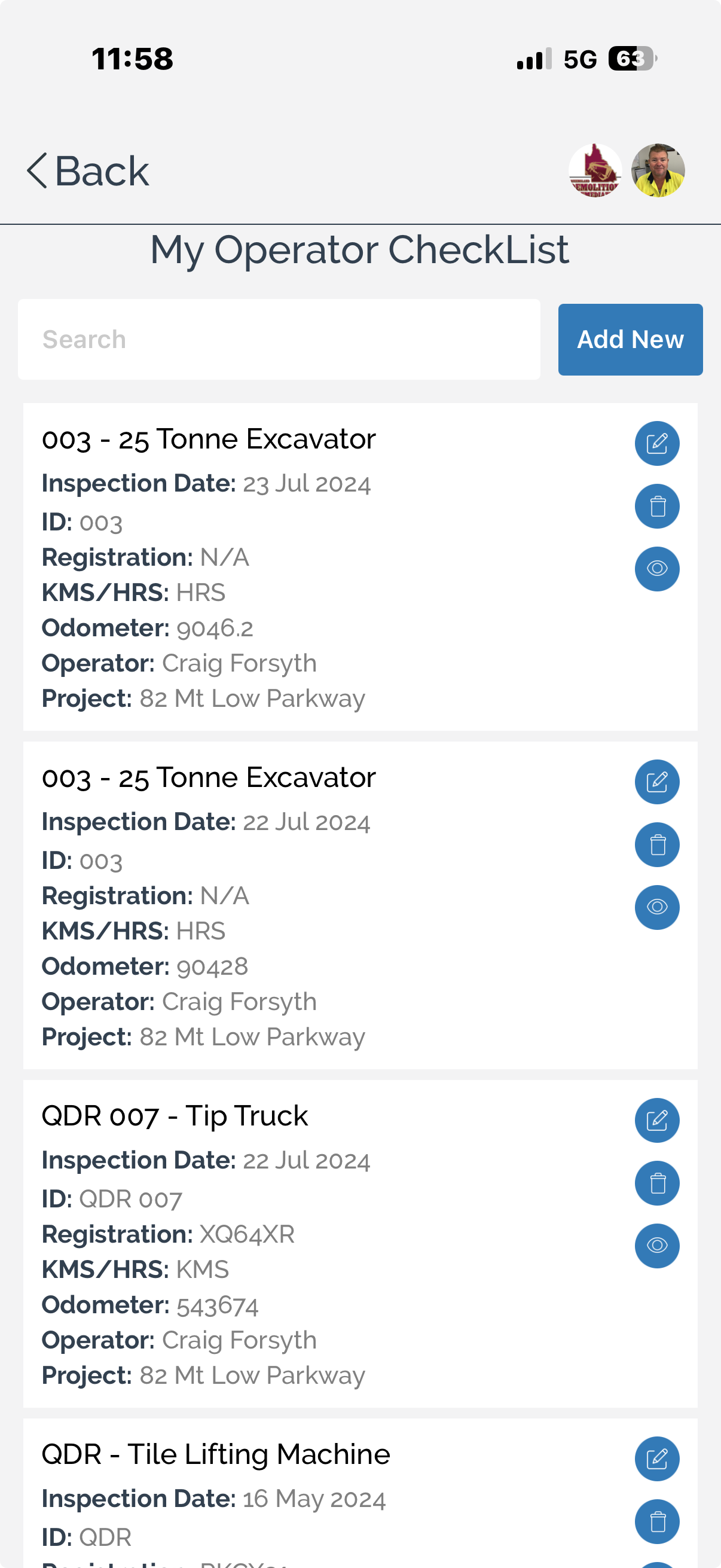
To review operator checklists:
Search for a checklist using the search field to quickly locate a specific inspection.
Review the checklist details displayed for each record, including:
Plant or equipment name
Inspection date
Asset ID
Registration number
Kilometres or operating hours
Odometer or hour meter reading
Operator
Associated project
To create a new operator checklist:
Select Add New.
Complete the inspection checklist for the selected plant or equipment.
Save or submit the checklist when the inspection has been completed.
Manage Operator Checklists
Existing operator checklists can be maintained directly from the list.
To edit a checklist:
Select the Edit icon beside the required checklist, update the inspection details, and save your changes.
To view a checklist:
Select the View icon to review the completed inspection and its recorded information.
To delete a checklist:
Select the Delete icon beside the checklist and confirm the deletion when prompted.
Note: Depending on your organisation's permissions, completed inspection records may not be available for editing or deletion.
You can also:
Search for inspections by plant or equipment.
Review previous inspections for the same asset.
Access operator checklists for equipment assigned to your projects.