If you want to email your personal profile (even to yourself) then from the My Profile page:
Click on the Email Personal Profile button. The email dialog will show:
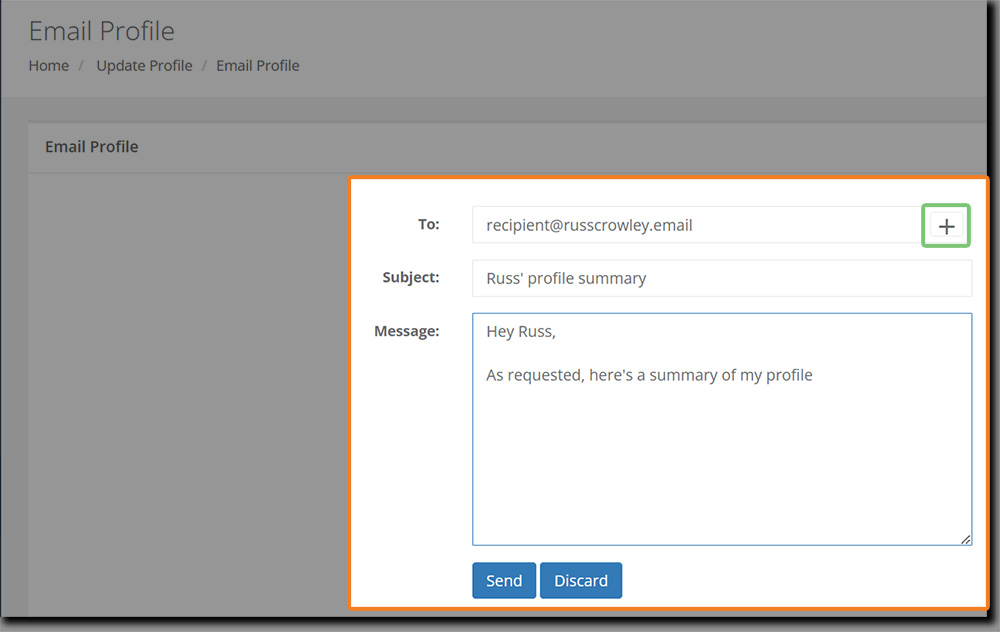
It's quite self-explanatory (and click on the + button to add additional recipients).
Once you've added the recipients, the Subject field and your message, click on the Send button:
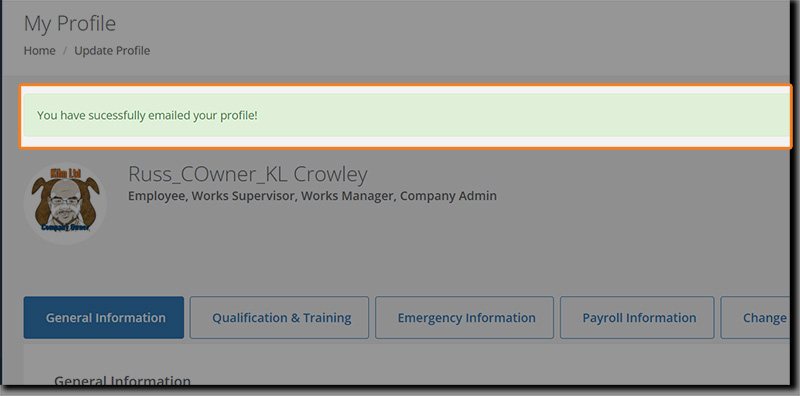
When the screen refreshes, you will see a confirmation "You have successfully emailed your profile!" message on your profile.
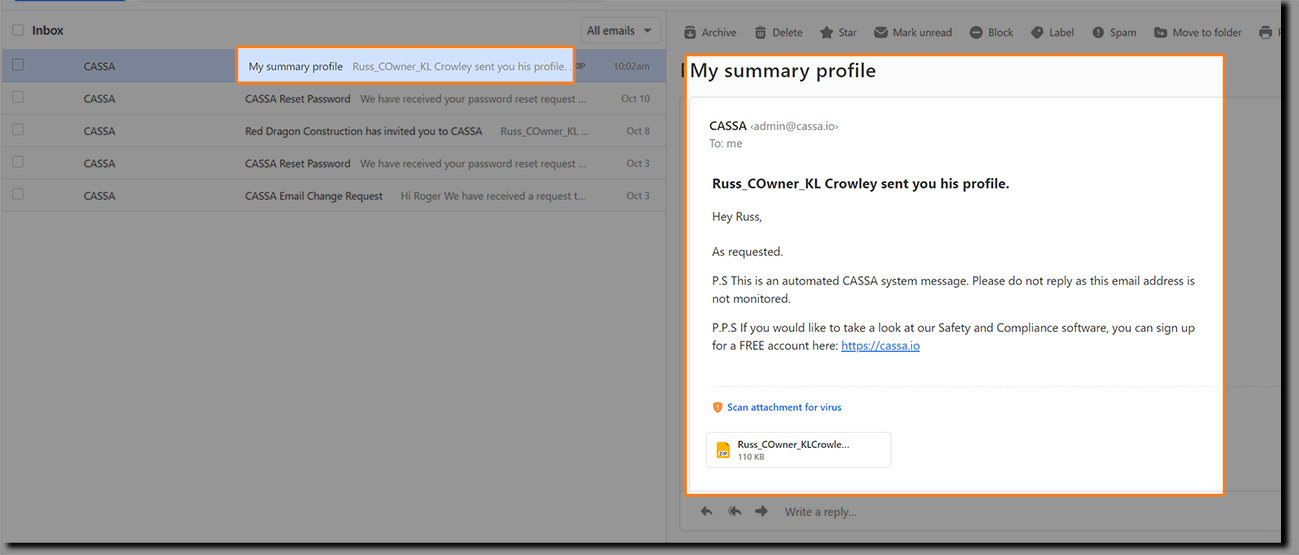
Your profile and qualifications are then zipped up (as a zip file) and then emailed to the recipient(s).
When the recipient receives the email, they can download your zipped profile and then extract the contents:
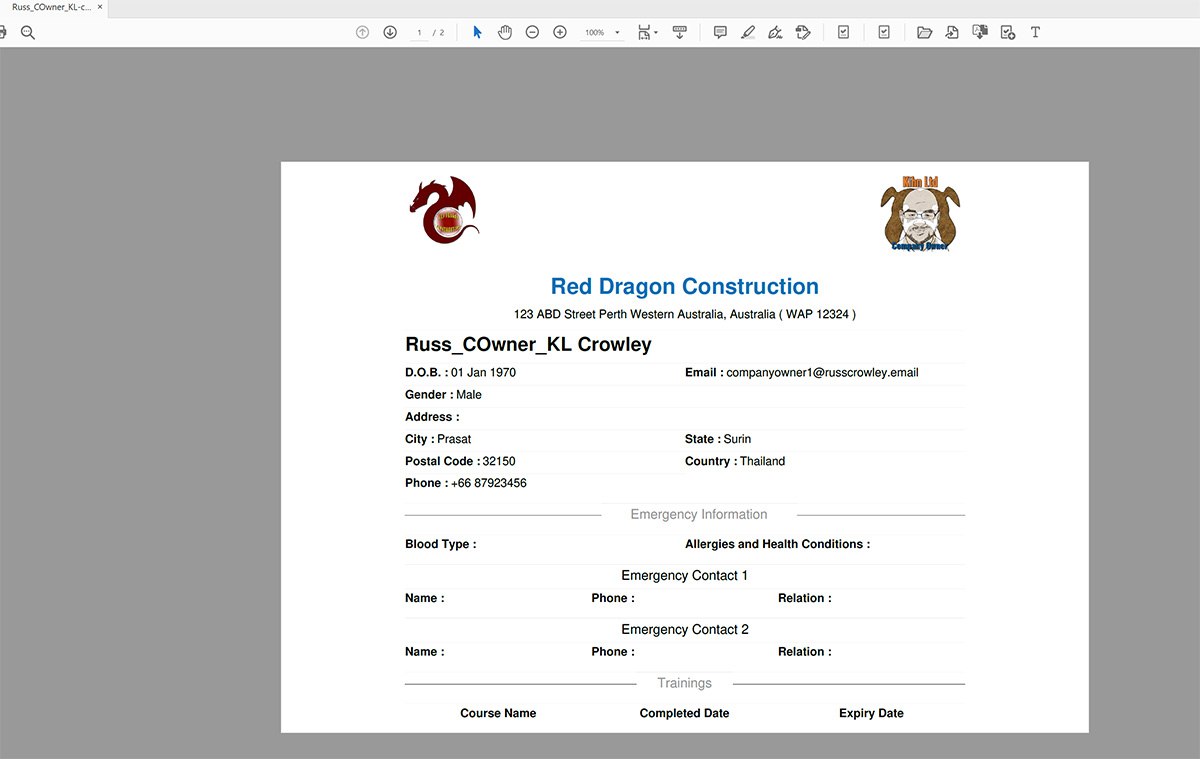
This is what they will see when they open the profile pdf: