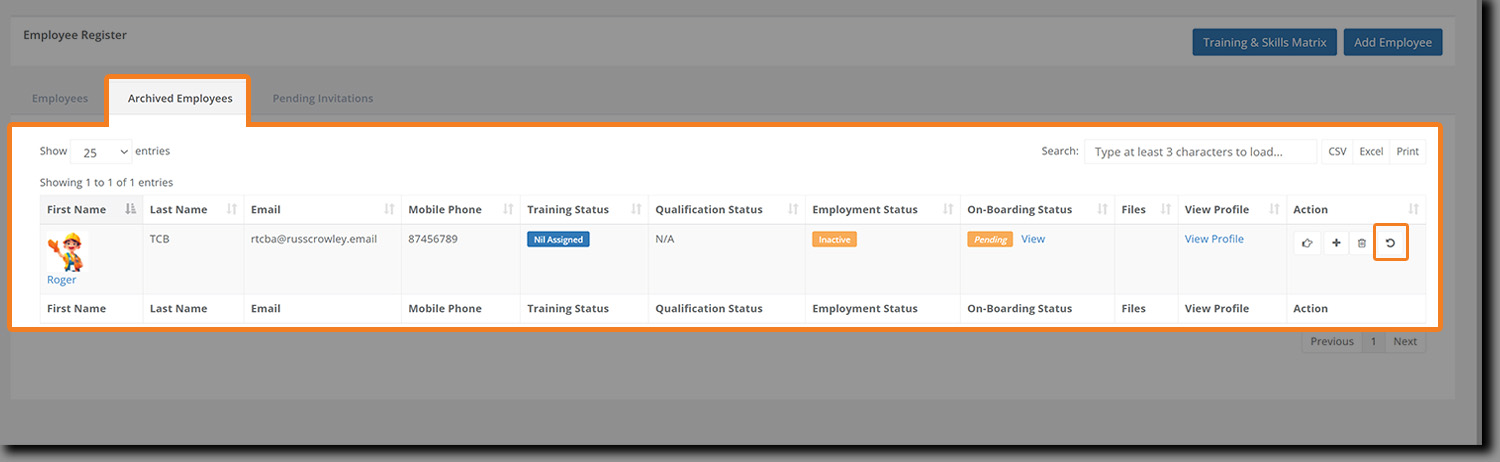
Note: Employees are archived rather than deleted now. When archived, they are removed from your current list.
To delete/archive an employee:
In the Employee Register, identify the user that you wish to remove from your company.
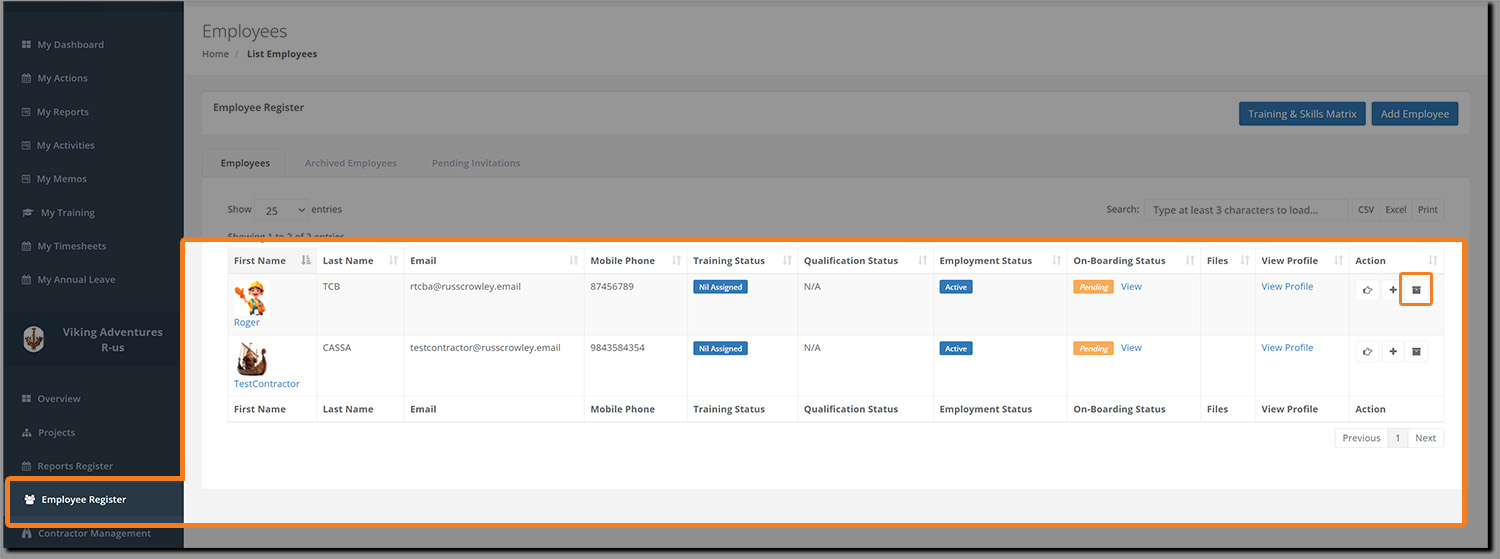
Click on the Trash can button in the Action column and the delete confirmation dialog will display. Click on Yes to confirm.
The dialog box will close, the screen will refresh, and the user will be removed from your list of active employees.
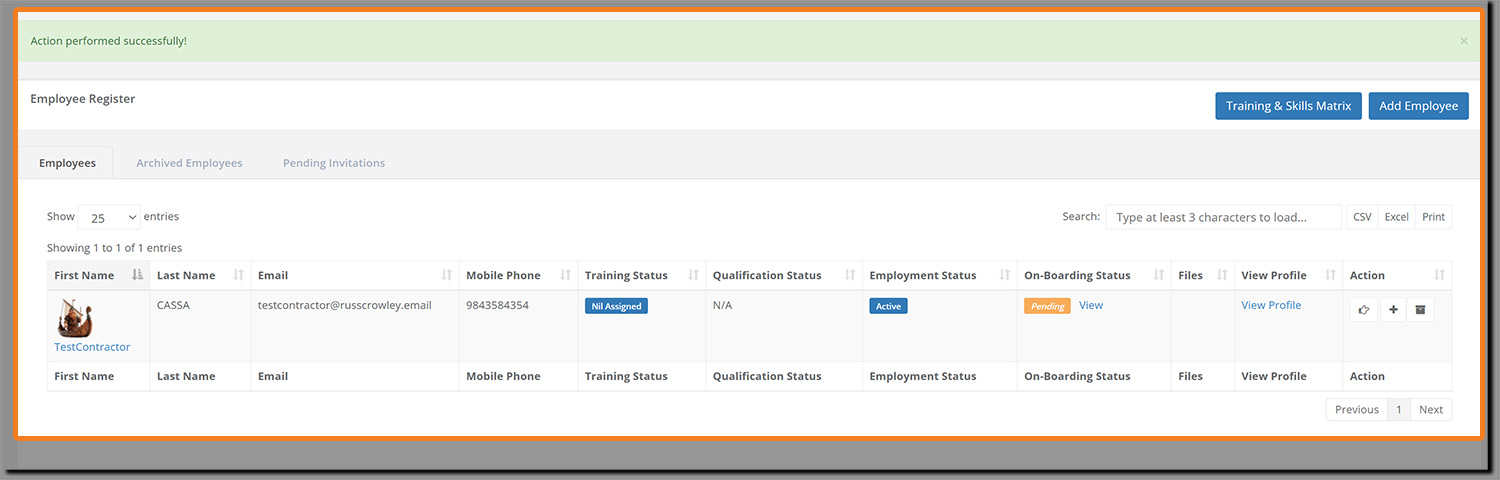
Click on the Archived Employees tab to view employees that have been removed.
As you can see, you can perform various actions here, including Reinstate (for occasions like rehiring the employee):