

The Change Email tab (1) is where you change the email address used for your CASSA profile.
Make sure you enter an email address you can access.
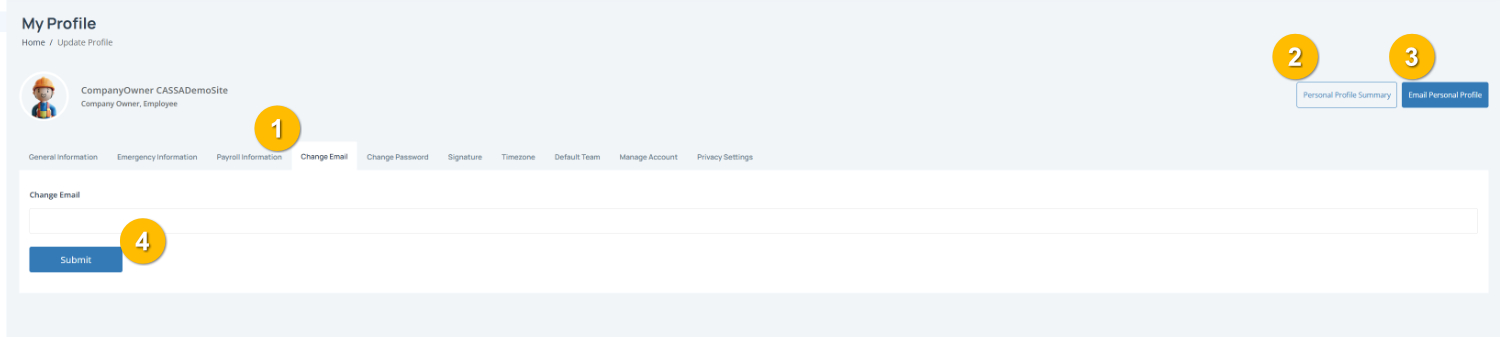
To complete this page:
1. Enter your new email address by typing your new email address into the Change Email field.
Note: Double-check your email address before saving, as it may be used for notifications and account access.
2. Save your changes by clicking on the Submit button (4). This will update you email address in the system.
You can also:
View your Personal Profile Summary (2)
Email Personal Profile (3) to send a copy of your profile details by email.