

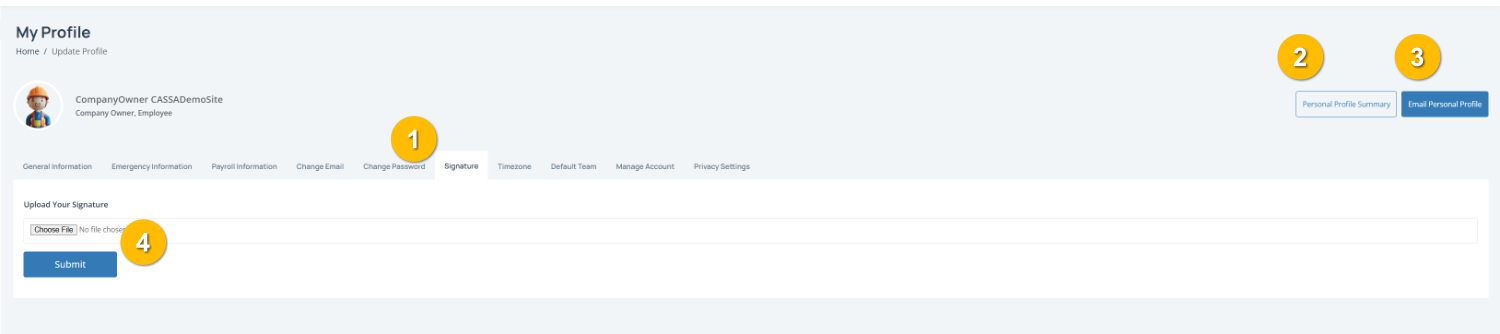
The Signature tab (1) is where you can upload a copy of your signature. Your signature is used across the CASSA system in forms, approvals and other documents.
To complete this page:
1. Upload your signature by clicking on Choose File and select an image of your signature from your device.
Note: For best results, use a clear image of your signature on a plain background (we find png with a transparent background to fit the bill).
2. Save your changes by clicking on the Submit button (4) to upload and save your signature.
You can also:
View your Personal Profile Summary (2)
Email Personal Profile (3) to send a copy of your profile details by email.