

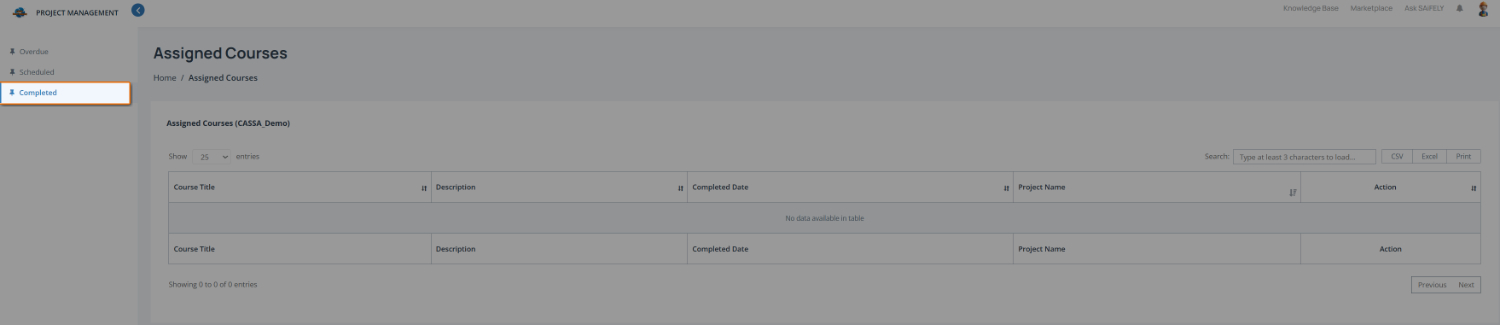
The Completed tab displays all training courses you have finished. It provides a record of completed training, including the completion date and the project the course was associated with, where applicable.
To review completed training:
Open the Completed training list by selecting Completed from the training menu (1).
Review completed courses in the course list (2). When courses have been assigned, the table displays:
Course title
Description
Completed date
Associated project (where applicable)
If you have not completed any training courses, the table will display No data available in table.
You can also:
Use the search field to locate a specific course when multiple courses are assigned.
Export the list using CSV, Excel, or Print where required.