

The Scheduled tab displays training courses that have been assigned to you and are due for completion. This page helps you keep track of upcoming training requirements before they become overdue.
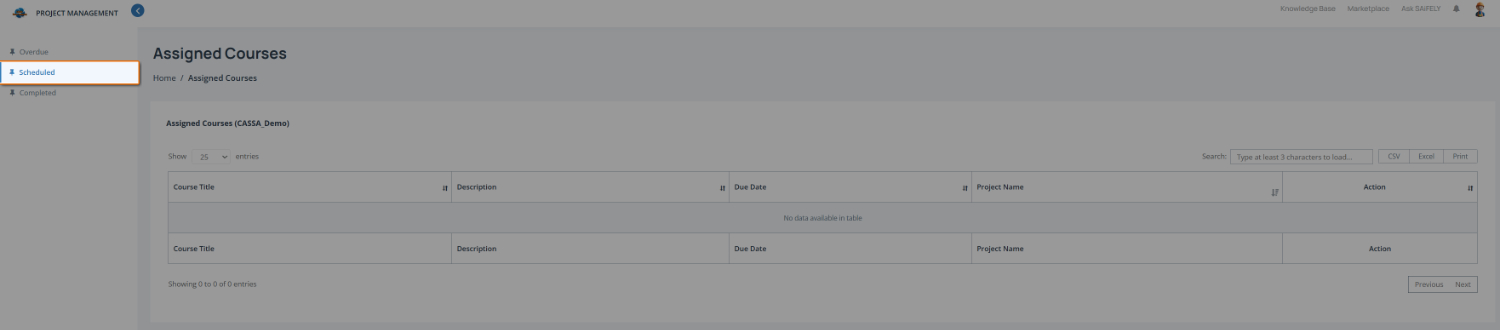
To review scheduled training:
Open the Scheduled training list by selecting Scheduled from the training menu (1).
Review your assigned courses in the course list (2). When courses have been assigned, the table displays:
Course title
Description
Due date
Associated project (where applicable)
Available actions
If no training has been scheduled, the table will display No data available in table.
You can also:
Use the search field to locate a specific course when multiple courses are assigned.
Export the list using CSV, Excel, or Print where required.