

The timesheet filters allow you to narrow the records displayed in My Timesheets by selecting a project and timesheet status. This can help you quickly find submitted, approved, rejected, or closed timesheets.
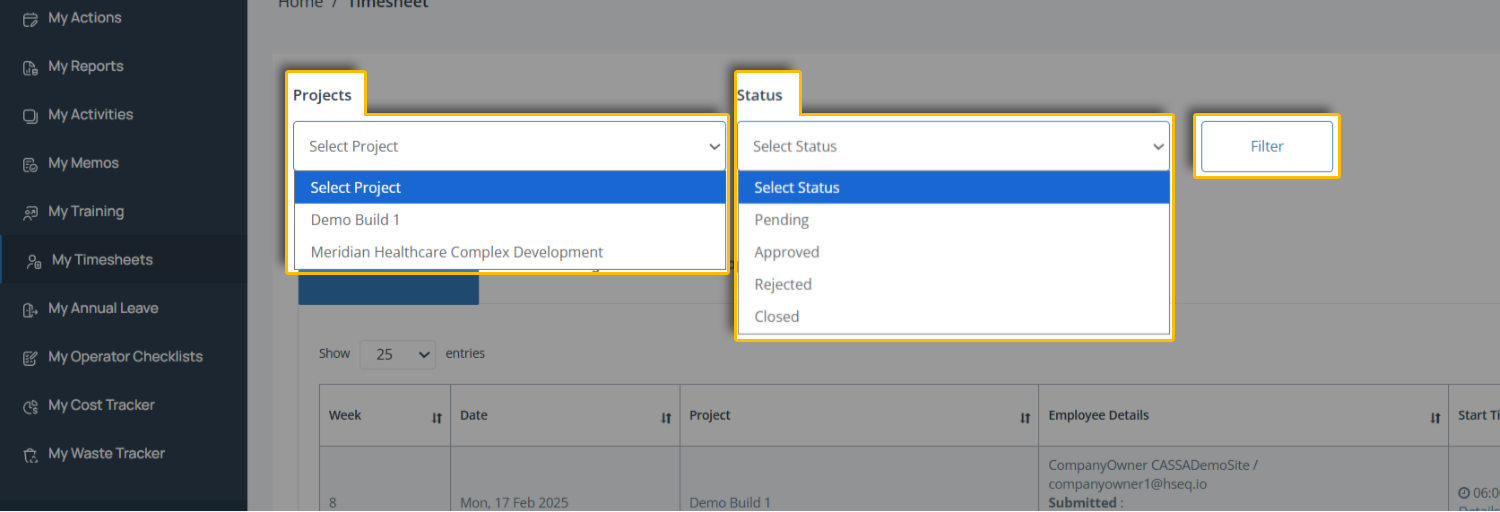
Select a project using the Projects dropdown to filter timesheets for a specific project.
Choose a status using the Status dropdown to view timesheets by Pending, Approved, Rejected, or Closed status.
Apply the filter by selecting Filter to update the timesheet list.
Note: You can use either filter on its own or combine both filters to narrow the results further.
Clear Filter
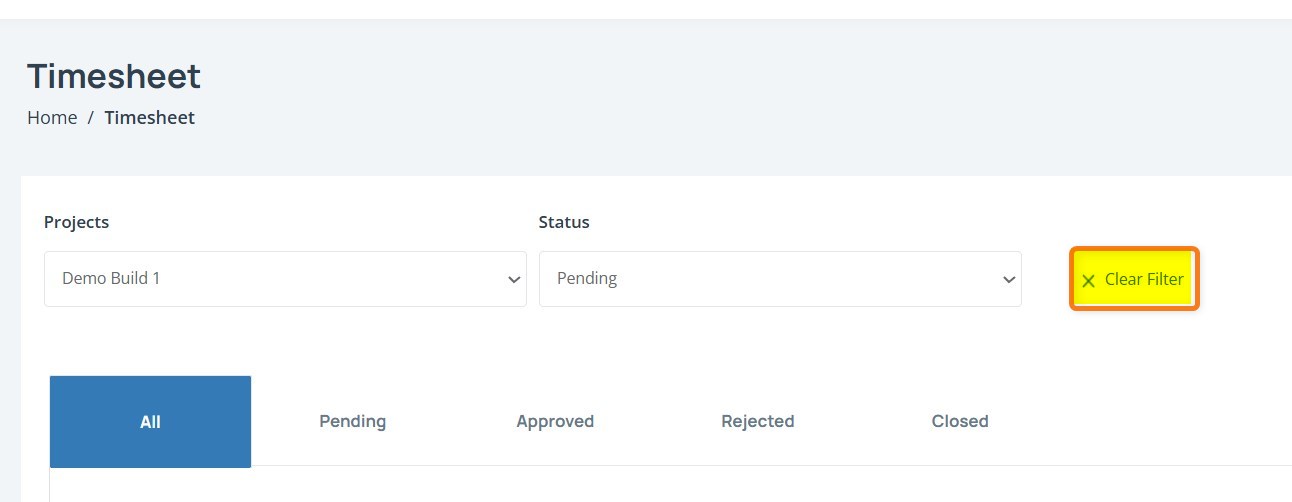
To clear a filter, click on the Clear Filter X link. The currently select filter will clear and the Filter button will be made available