

To add/apply a filter to your timesheets, select from the available filter dropdowns (depending on your tab view, you may see only 1 of the filter options) and then click on the Filter button.
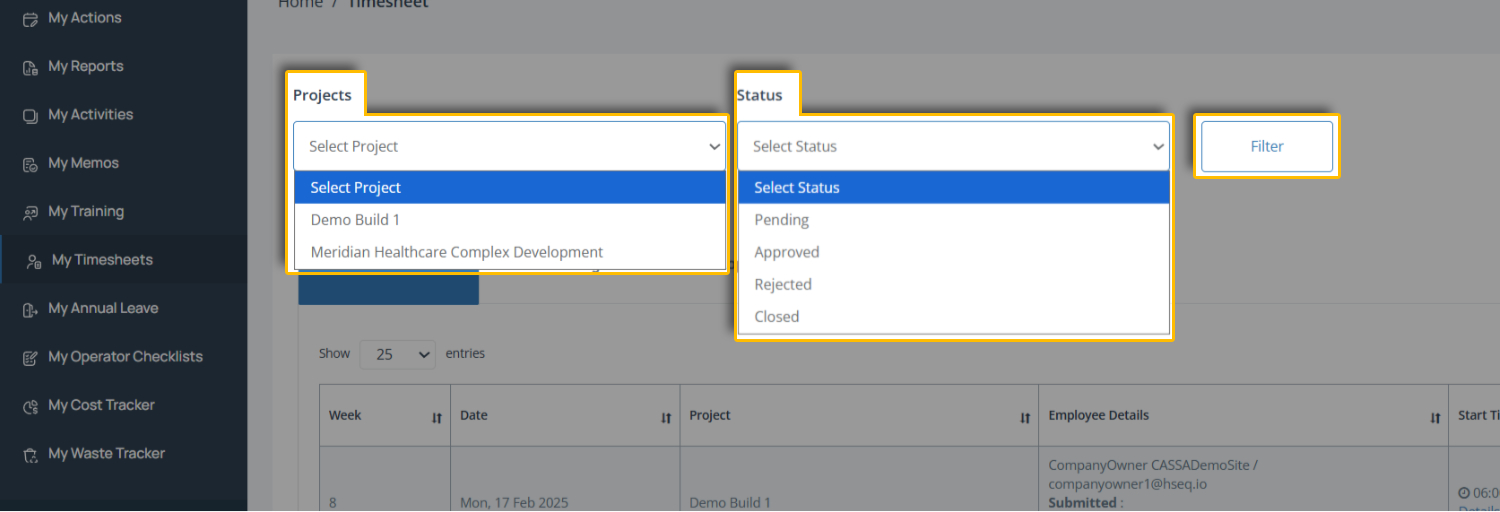
The filter will then be applied and the button replaced with:
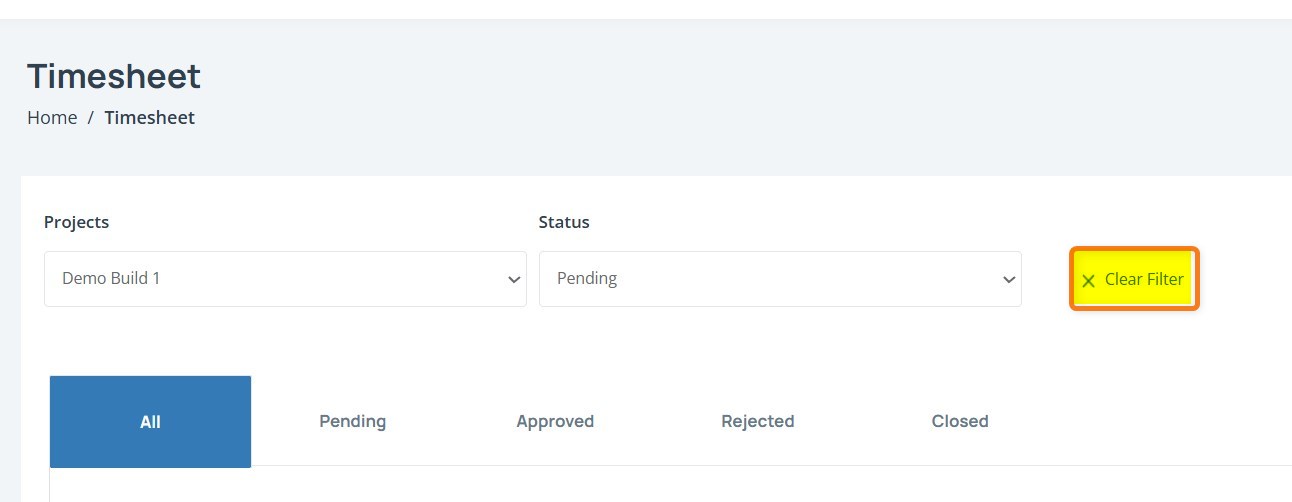
Clear Filter
To clear a filter, click on the Clear Filter X link. The currently select filter will clear and the Filter button will be made available