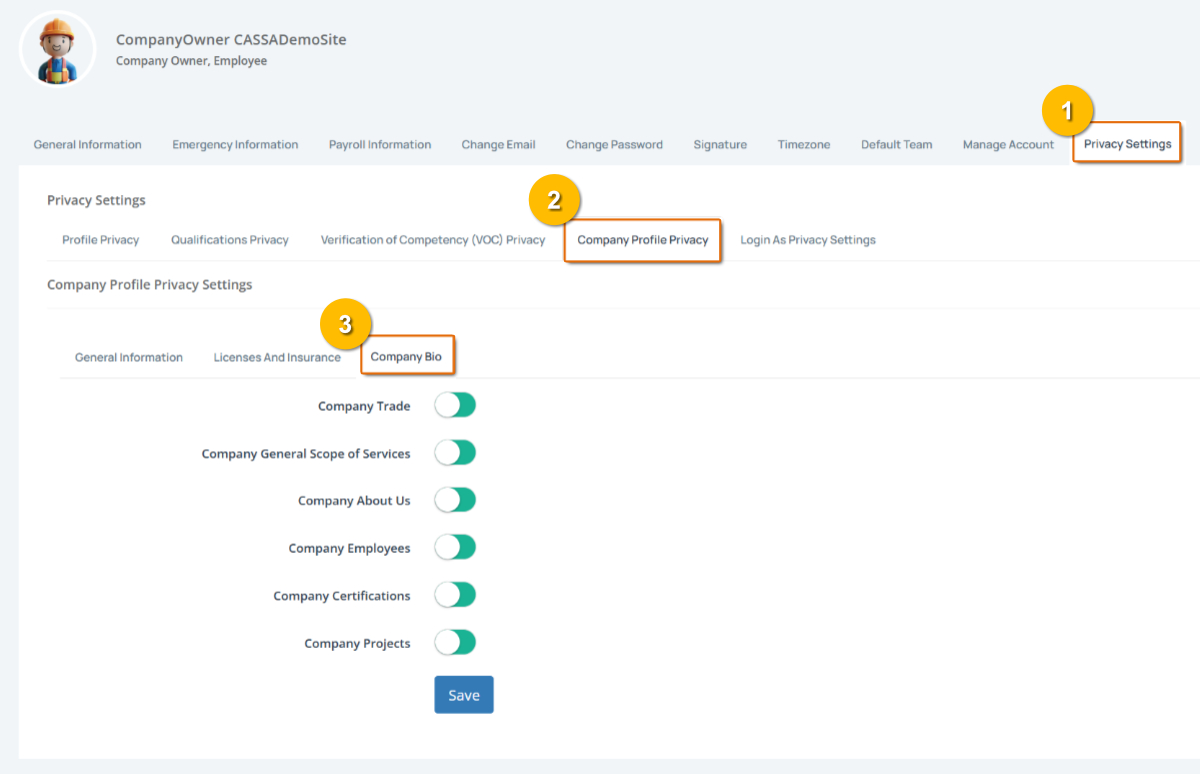
The Company Profile Privacy page contains the following tabs:
General Information
Licenses and Insurance
Company Bio
We look at these below.
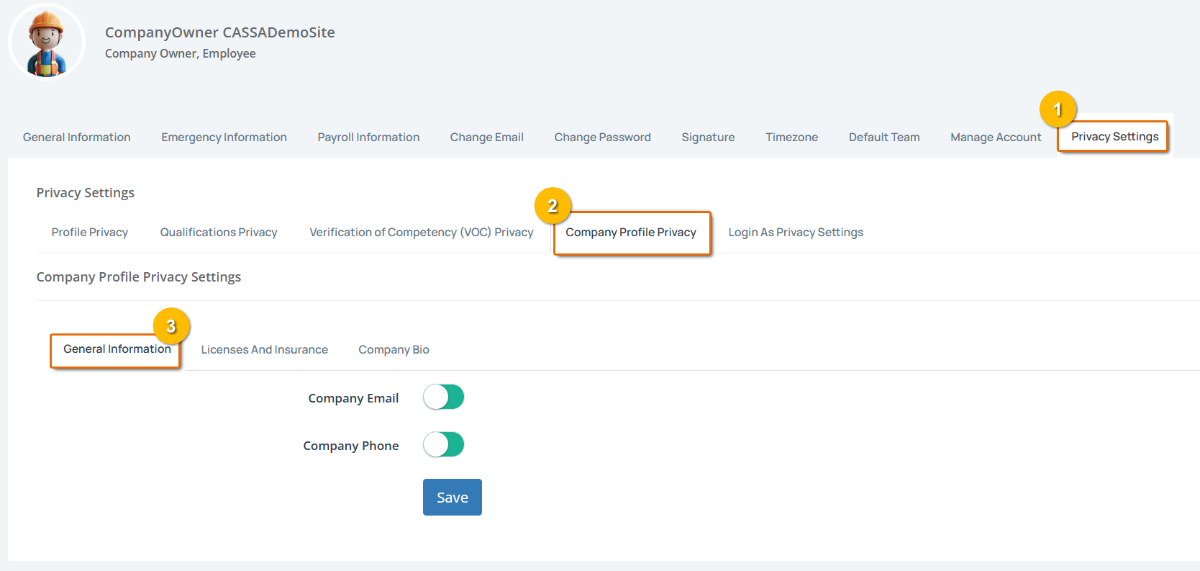
General Information
As you can see, this tab contains your company email and company phone number and are visible by default.
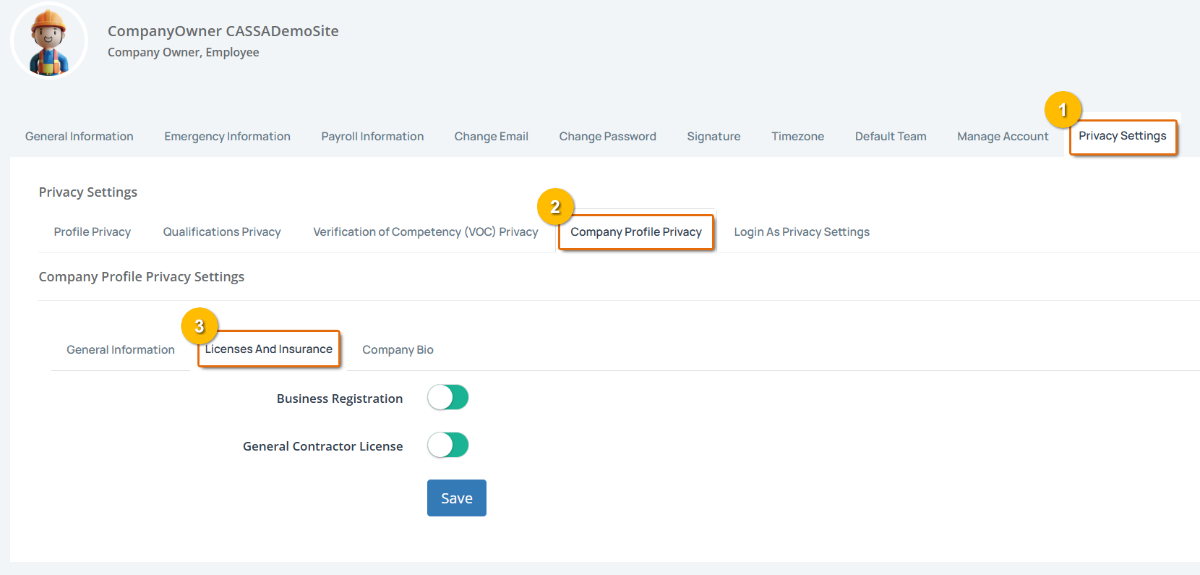
Licenses And Insurance
This tab is where you control visibility of your Business Registration and your General Contractor License.
Company Bio
Here is where you enable/disable visibility of your trade information, scope of services, about us page, and more.
With all privacy settings, ensure you click on the Save button to fix any changes.